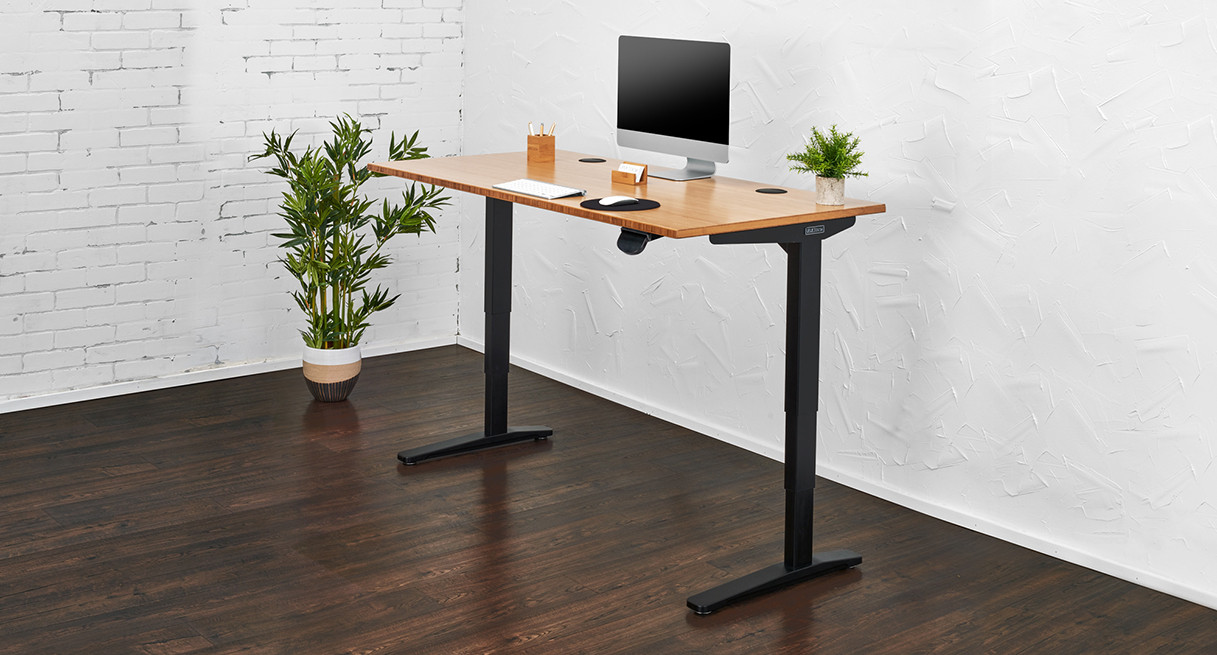
Your Ultimate Guide to Standing Desks for Back Pain
Back pain doesn’t come from sitting alone. It comes from staying in one position for too long without proper support or movement. That’s why standing desks have become one of the most effective tools for reducing discomfort at work. They allow you to shift positions throughout the day, which improves circulation, reduces pressure on your spine, and helps prevent stiffness from building up.
However, not all standing desks actually help with back pain. Some are unstable at full height. Others don’t adjust low or high enough for proper posture. If the desk doesn’t support your body correctly, it can make pain worse instead of better. This guide focuses on standing desks that actually support better posture, stability, and long-term comfort.
Which is the Top One?
Editor's Choice 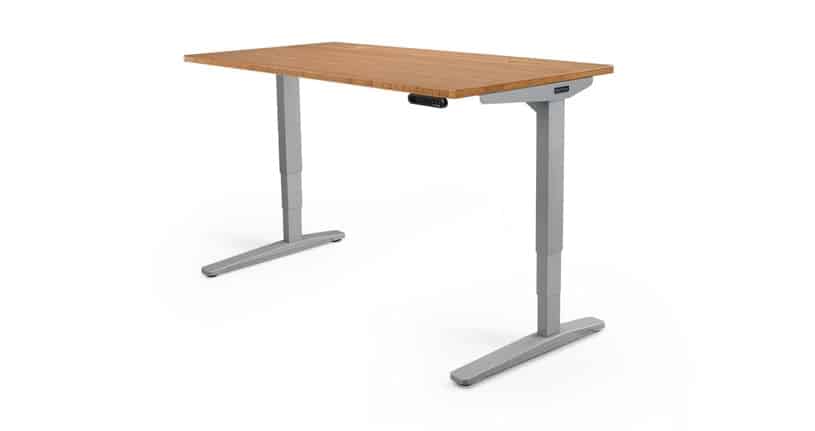 Best Overall |  Best for Simplicity | 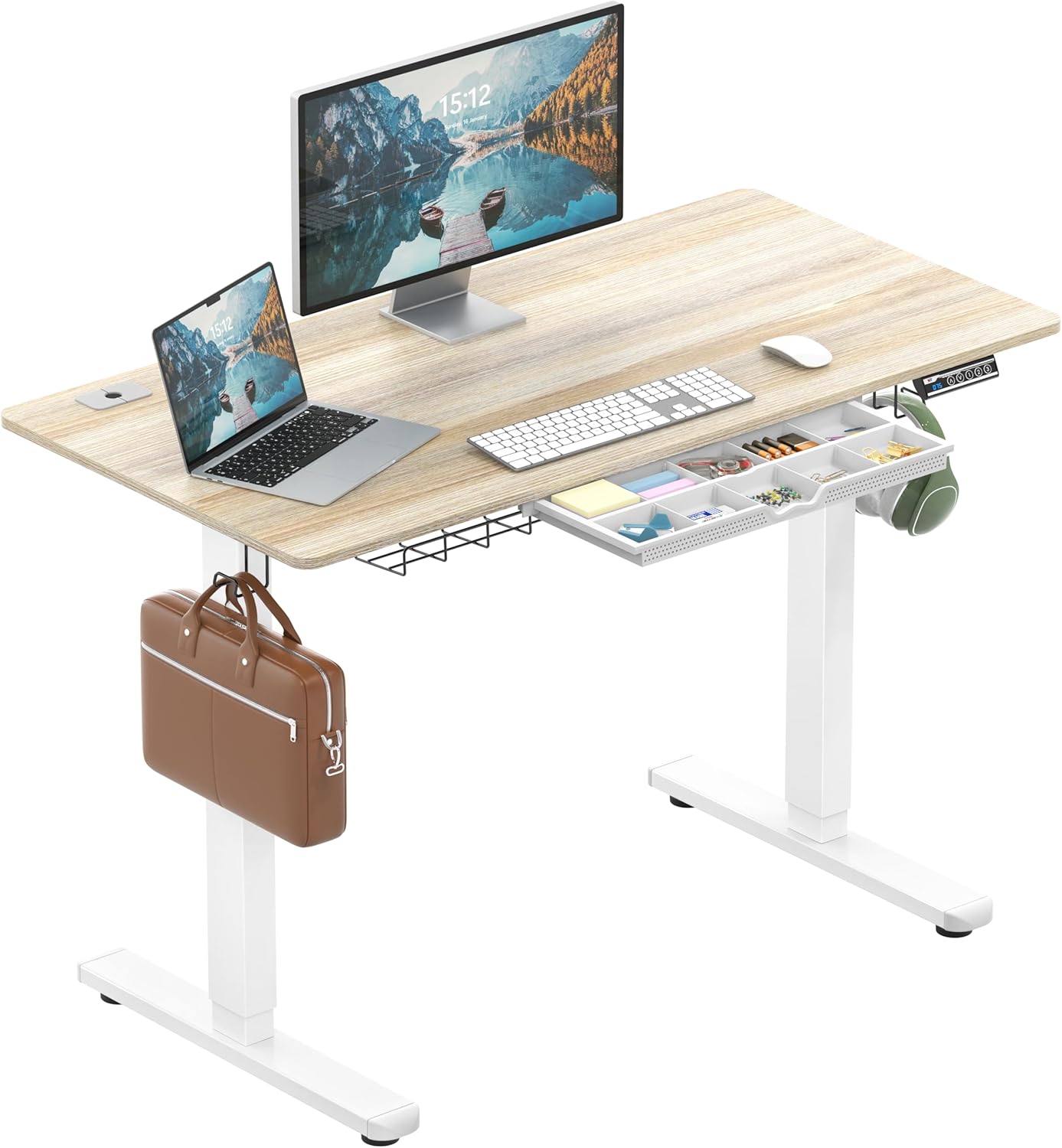 Best Budget |
Uplift V2 Standing DeskDelivers top-tier stability, precise height adjustments, and deep customization for long-term ergonomic comfort. | Vari Electric Standing DeskOffers reliable performance with an easy setup and smooth transitions, making it ideal for straightforward ergonomic upgrades. | SHW Electric Height Adjustable DeskProvides essential height adjustment and basic stability at an affordable price, suitable for lighter setups and beginners. |
Functionality: ⭐⭐⭐⭐⭐ Quality: ⭐⭐⭐⭐⭐ Price: ⭐⭐⭐⭐ | Functionality: ⭐⭐⭐⭐⭐ Quality: ⭐⭐⭐⭐⭐ Price: ⭐⭐⭐⭐ | Functionality: ⭐⭐⭐⭐ Quality: ⭐⭐⭐⭐ Price: ⭐⭐⭐⭐⭐ |
Let’s Go Over Each One
#1: Uplift V2 Standing Desk
Functionality: ⭐ ⭐ ⭐ ⭐ ⭐
Quality: ⭐ ⭐ ⭐ ⭐ ⭐
Price: ⭐ ⭐ ⭐ ⭐
The Uplift V2 is widely considered one of the benchmark standing desks in the premium category because it combines structural stability, high customization, and consistent performance under load.
For users dealing with back pain, those three factors matter more than aesthetics or extra features. They determine whether your posture stays consistent throughout the day or gradually breaks down.
At its core, the V2 uses a dual-motor lifting system paired with three-stage legs, which allows for a wider height adjustment range and smoother transitions between sitting and standing positions. This is critical for maintaining proper ergonomic alignment.
If a desk can’t adjust precisely to your height, you end up compensating through your shoulders, neck, or lower back. Over time, those small compensations add up to discomfort.
One of the strongest advantages of the Uplift V2 is its stability under heavier setups. With a lifting capacity of up to around 355 lbs, it can comfortably support dual monitors, mounted arms, and additional accessories without compromising performance.
This matters because instability forces your body to constantly make micro-adjustments, which increases muscle fatigue and can worsen back pain during long work sessions.
Customization is another defining feature. The Uplift V2 offers a wide range of desktop sizes, materials, and frame configurations, which allows you to build a setup that fits your exact ergonomic needs.
A larger desktop, for example, gives you enough space to position your monitor directly in front of you at eye level, instead of slightly off-center. That alone can reduce spinal rotation and long-term strain.
In day-to-day use, the desk feels smooth and predictable. The motor movement is steady rather than abrupt, and programmable height presets make it easy to switch positions consistently. That consistency is what ultimately helps reduce back pain, because it reinforces better posture habits without requiring constant manual adjustment.
Pros and Cons of the Uplift V2 Standing Desk
| Pros | Cons |
|---|---|
| ✔ Fast transit speeds ✔ Quiet movement ✔ Sturdy; has no wobble ✔ High quality build for its price point | ✘ Crossbar at the bottom a potential hazard for legs |
#2: Vari Electric Standing Desk

Functionality: ⭐ ⭐ ⭐ ⭐ ⭐
Quality: ⭐ ⭐ ⭐ ⭐ ⭐
Price: ⭐ ⭐ ⭐ ⭐
The Vari Electric Standing Desk is designed for users who want a reliable standing desk without dealing with complicated configurations or long setup times.
While many desks require full assembly, Vari’s design simplifies the process significantly, which makes it more accessible for users who want to improve their setup quickly.
From a back pain perspective, what matters most is consistency. The Vari desk delivers stable performance across both sitting and standing positions, which allows you to maintain proper posture without constant adjustments. The motor system transitions smoothly between heights, which encourages regular movement throughout the day.
Although it doesn’t offer as many customization options as higher-end desks, it performs well in the areas that actually impact comfort. The frame remains stable under normal workloads, and the height presets make it easier to switch between positions without interrupting your workflow.
This desk works particularly well for users who want a dependable, no-fuss solution that still supports proper ergonomics.
Pros and Cons of the Vari Electric Standing Desk
| Pros | Cons |
|---|---|
| ✔ Premium design ✔ Easy to assemble ✔ High-quality materials ✔ Cable management cutout is 5 inches | ✘ Some monitor arms are incompatible ✘ Lacks a keyboard tray |
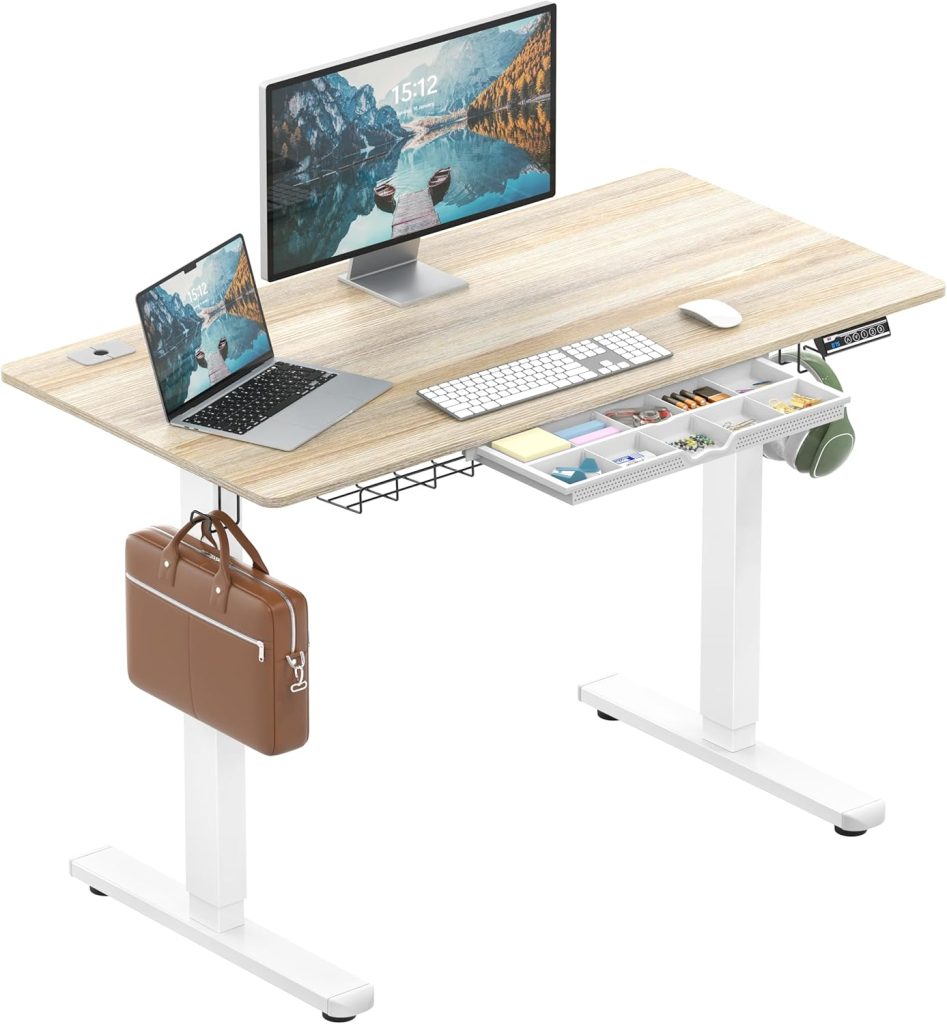
#3: SHW Electric Height Adjustable Desk
Functionality: ⭐ ⭐ ⭐ ⭐
Quality: ⭐ ⭐ ⭐ ⭐
Price: ⭐ ⭐ ⭐ ⭐ ⭐
The SHW Electric Standing Desk is one of the most accessible entry points into standing desks. While it doesn’t match the build quality of premium models, it covers the essential features needed to start improving posture and reducing prolonged sitting.
For users dealing with mild to moderate back discomfort, this desk provides enough adjustability to achieve a more neutral working position. The electric motor allows smooth transitions between sitting and standing, which is critical for building the habit of movement throughout the day.
The main limitation comes from stability at higher elevations. If you’re using heavier equipment or multiple monitors, you may notice slight movement. However, for lighter setups such as laptops or single monitors, it performs well enough to maintain proper alignment.
This desk is best suited for beginners who want to test whether a standing desk helps their back pain before investing in a higher-end model.
Pros and Cons of the SHW Electric Height Adjustable Desk
| Pros | Cons |
|---|---|
| ✔️ Affordable and widely available ✔️ Simple electric height adjustment ✔️ Good for light setups and small workstations ✔️ Compact footprint for smaller rooms | ✖️ Less stable at full standing height ✖️ Lower weight capacity than premium desks ✖️ Basic build quality |
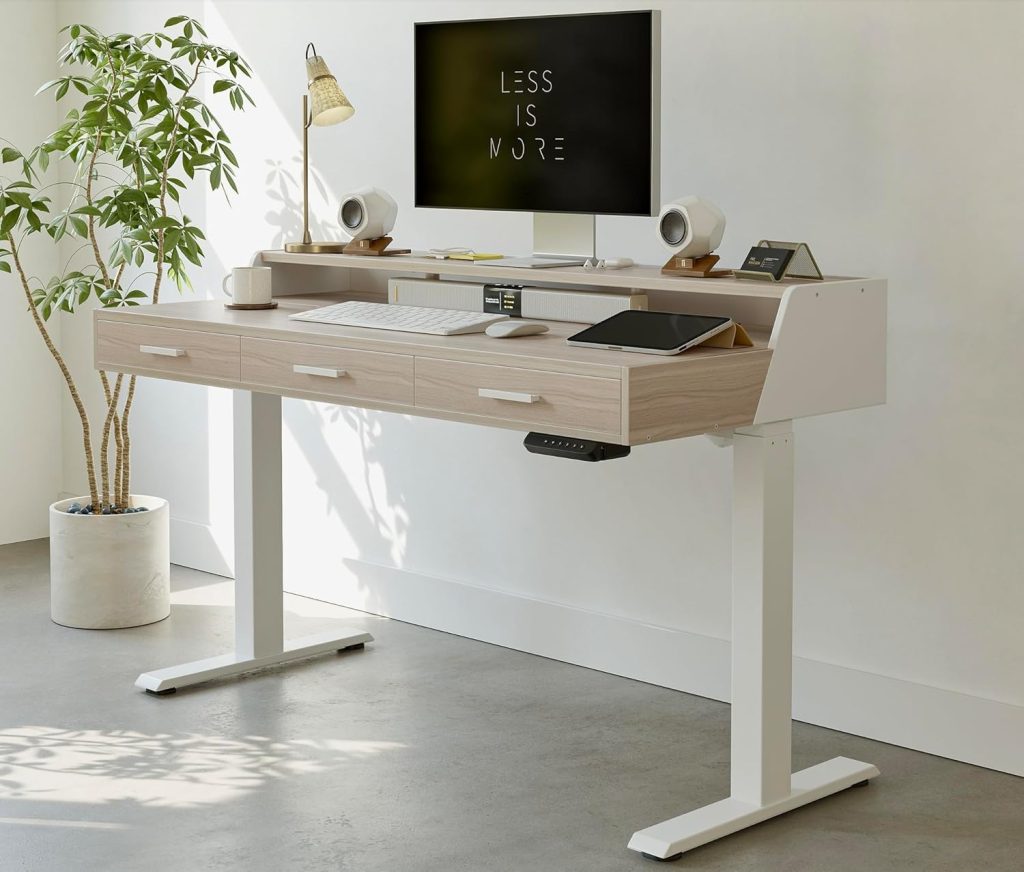
#4: FEZIBO Electric Standing Desk with Drawer
Functionality: ⭐ ⭐ ⭐ ⭐
Quality: ⭐ ⭐ ⭐ ⭐
Price: ⭐ ⭐ ⭐ ⭐
The FEZIBO Electric Standing Desk is designed with space efficiency in mind, making it a strong choice for smaller home offices or apartments. What sets it apart is the built-in storage, which helps keep your workspace organized without requiring additional furniture.
Clutter might seem like a minor issue, but it directly affects posture. When your desk is crowded, you tend to shift your monitor or keyboard into awkward positions, which can lead to misalignment in your neck and lower back. The integrated drawer helps keep essential items accessible while maintaining a clean working surface.
From a performance standpoint, the motor system is quiet and consistent, which makes it easier to transition between positions throughout the day. The frame provides adequate stability for standard setups, although it’s not designed for heavier configurations.
This desk is ideal for users who need a compact solution that still supports ergonomic adjustments and encourages better posture habits.
Pros and Cons of the FEZIBO Electric Standing Desk with Drawer
| Pros | Cons |
|---|---|
| ✔️ Space-saving design with built-in storage ✔️ Quiet and smooth height adjustment ✔️ Helps maintain a clean and organized workspace ✔️ Good for smaller setups | ✖️ Limited desktop size compared to larger desks ✖️ Not ideal for heavy multi-monitor setups ✖️ Stability is moderate at higher elevations |
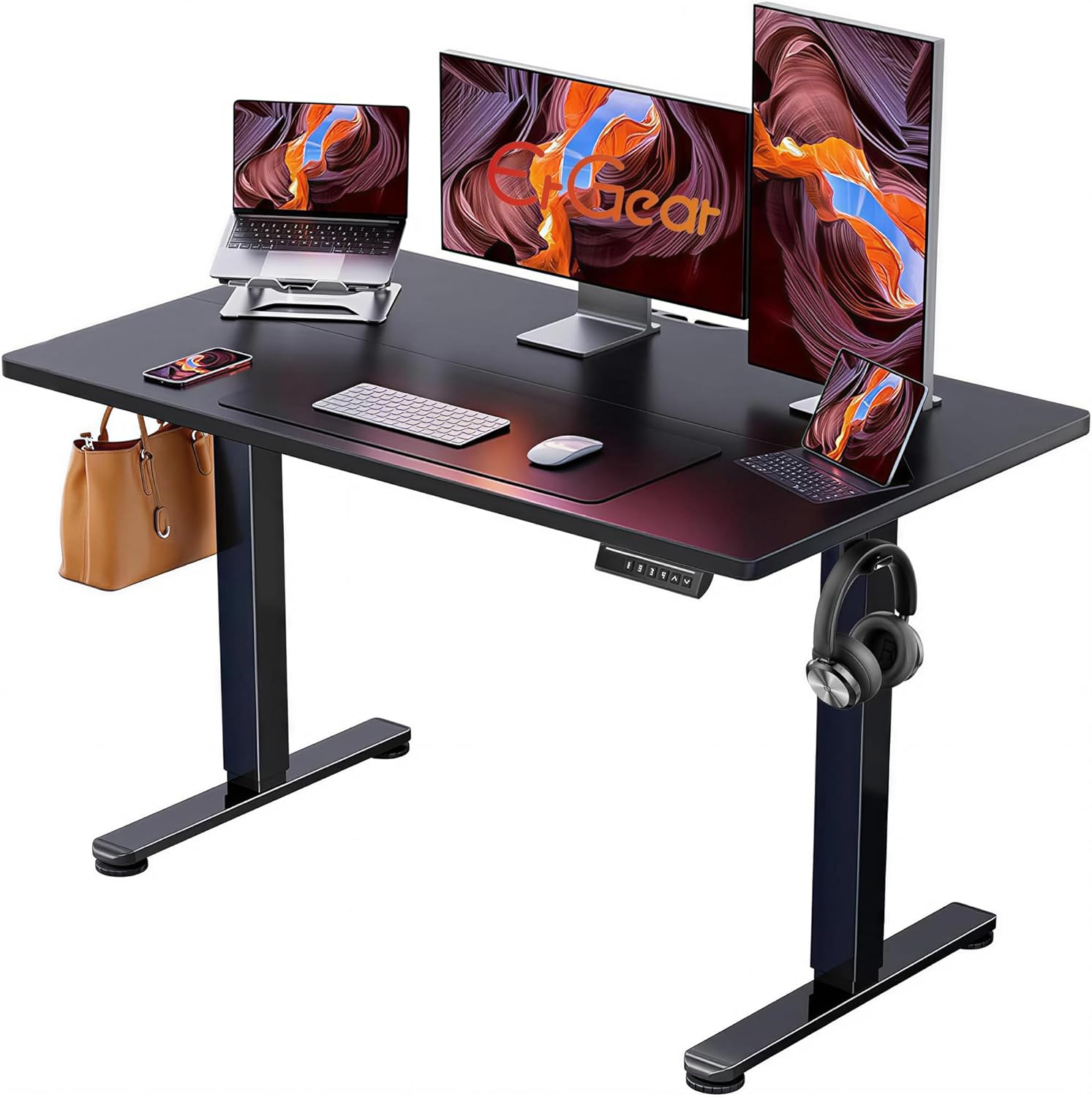
#5: ErGear Electric Standing Desk
Functionality: ⭐ ⭐ ⭐ ⭐ ⭐
Quality: ⭐ ⭐ ⭐ ⭐ ⭐
Price: ⭐ ⭐ ⭐
The ErGear Electric Standing Desk delivers the core features that directly impact back pain without unnecessary complexity or inflated pricing. It uses a dual-motor lifting system that moves smoothly and maintains stability even when the desk is extended to standing height, which is critical for reducing muscle fatigue during long work sessions.
One of the biggest advantages of this desk is its consistent performance under load. Whether you’re using a dual-monitor setup or a laptop with accessories, the frame holds steady while typing.
That stability plays a direct role in posture because it prevents micro-adjustments your body would otherwise make to compensate for movement.
The height adjustment range is wide enough for most users to achieve proper ergonomic alignment. You can position your elbows at a natural angle and keep your screen at eye level, which reduces strain on both your lower back and upper shoulders. Over time, this consistency makes a noticeable difference in comfort.
The control panel includes memory presets, which encourage frequent switching between sitting and standing positions. That habit is one of the most effective ways to reduce back pain, and having quick access to saved heights removes friction from the process.
Pros and Cons of the ErGear Electric Standing Desk
| Pros | Cons |
|---|---|
| ✔️ Solid build quality ✔️ Highly adjustable ✔️ Made with premium aluminum and mesh ✔️ Optional headrest, clear locking wheels, heat pad, and massager ✔️ Can be used as a gaming chair as well ✔️ Supremely comfortable | ✖️ Expensive ✖️ Not all color variants offer the wide seat option |
How to Use a Standing Desk Correctly for Back Pain Relief
Using a standing desk correctly matters just as much as choosing the right one. The goal isn’t to stand all day. It’s to alternate between sitting and standing in a way that reduces strain.
Your screen should be at eye level, and your elbows should remain close to your body. When standing, your weight should be evenly distributed, and your knees should remain slightly relaxed instead of locked. Switching positions every 30 to 60 minutes helps prevent fatigue. Over time, this habit improves circulation and reduces pressure on the lower back.
Common Mistakes That Make Back Pain Worse
Standing too long without movement can create the same problems as sitting. Your muscles become fatigued, and tension builds up in your lower back.
Another common issue is poor desk height. If the desk isn’t adjusted correctly, you end up leaning forward or raising your shoulders, both of which increase strain.
Ignoring accessories like anti-fatigue mats can also reduce the effectiveness of a standing desk. These mats provide cushioning that reduces pressure on your joints during long standing sessions.
Sitting vs Standing: Finding the Right Balance
The best approach isn’t choosing between sitting and standing. It’s combining both. Research suggests that alternating positions throughout the day provides the most benefit. Standing for short periods helps activate muscles and improve circulation. Sitting allows recovery. The combination prevents overuse and keeps your body balanced.
Frequently Asked Questions
Does a standing desk really help back pain?
Yes, but only when used correctly. It reduces prolonged pressure on the spine and encourages movement, which helps prevent stiffness and discomfort.
How long should you stand at a desk?
Most people benefit from standing in intervals of 30 to 60 minutes. Standing all day can lead to fatigue and should be avoided.
What height should a standing desk be?
The desk should align with your elbows at a 90-degree angle. Your screen should be at eye level to prevent neck strain.
Can standing desks cause back pain?
They can if used incorrectly. Standing too long or using the wrong height can increase strain instead of reducing it.
Editor’s Choice
Uplift V2 Standing Desk
The Uplift V2 is one of the most refined standing desks available.
It delivers excellent stability, precise adjustments, and unmatched customization, making it ideal for users who want a long-term ergonomic setup that actively supports back pain relief.