Tips for a Clean and Productive Dual Monitor Gaming Setup
Upgrading to a dual monitor gaming setup can transform your gaming experience—but only if done right. Here’s how to create a clutter-free, immersive, and high-performance multi monitor setup.

Upgrading to a dual monitor gaming setup can transform your gaming experience—but only if done right. Here’s how to create a clutter-free, immersive, and high-performance multi monitor setup.

Dual monitors aren’t just for techies—find out how adding a second screen can help you work faster, stay organized, and make the most of your setup.
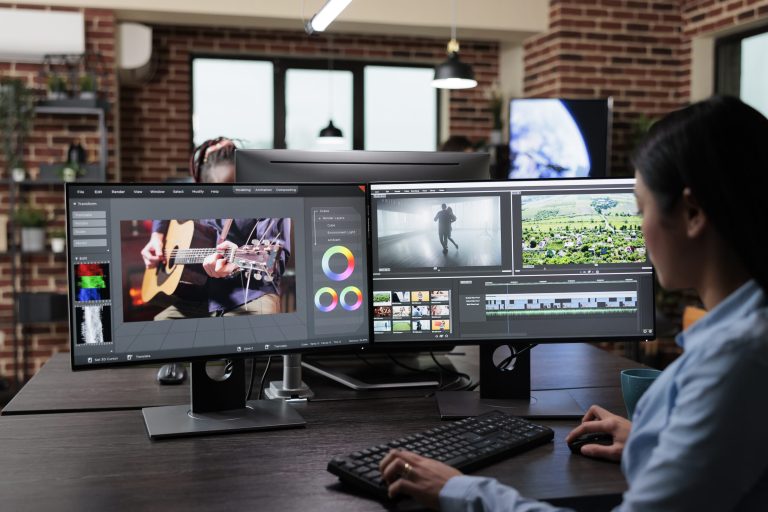
In this guide, we discover how to create a dual monitor graphic design setup that enhances workflow, boosts comfort, and supports creative tasks with the right gear and layout.
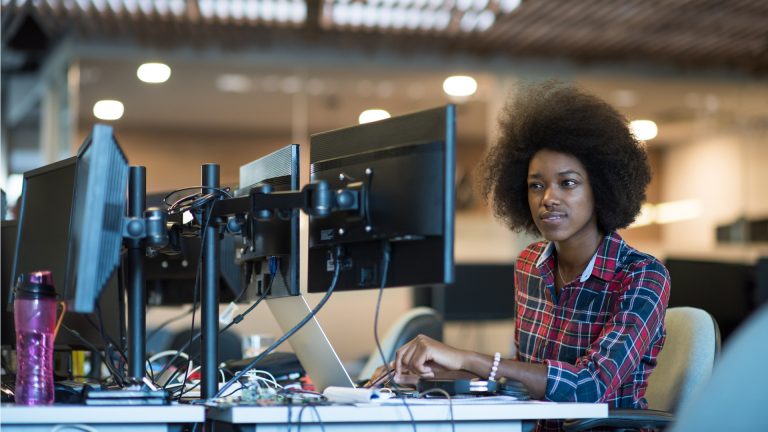
In this guide, we explore the most common dual monitor issues users face and how to solve them, from screens not displaying properly to signal drops and display setting conflicts.
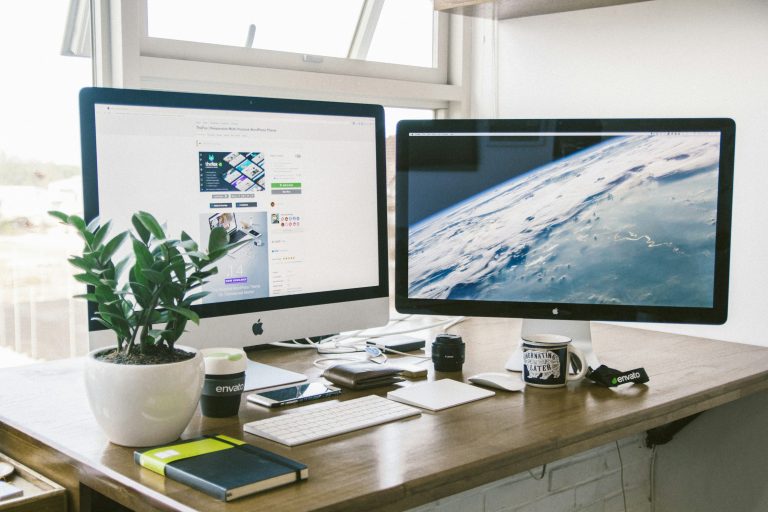
In this guide, we list down the ways on how to make the most of a dual monitor setup with smart tips on layout, display settings, cable choices, and workflow strategies for smoother multitasking.
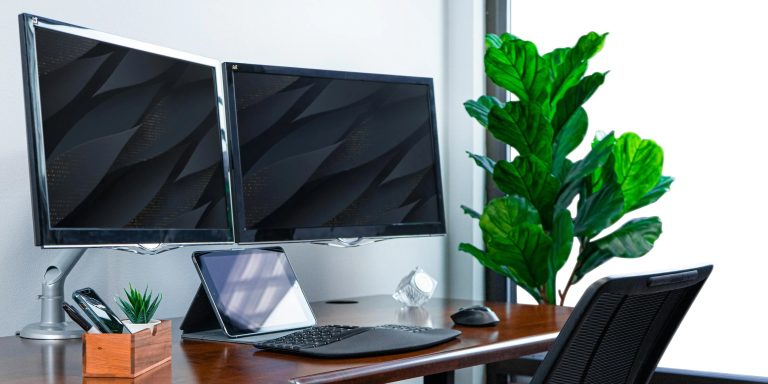
Here’s a quick and practical guide to achieving proper ergonomics for dual monitors, covering screen placement, desk setup, lighting adjustments, and tips for comfort and productivity.
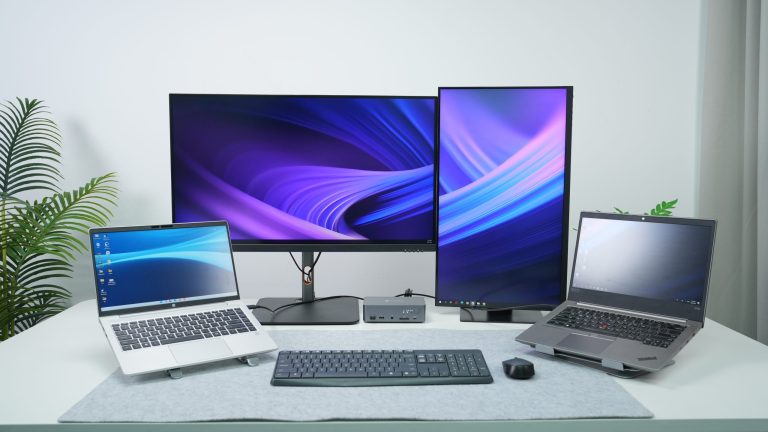
Learn how to connect dual monitors to one PC using the right cables, ports, and settings. From HDMI splitters to display options, everything’s covered step by step.
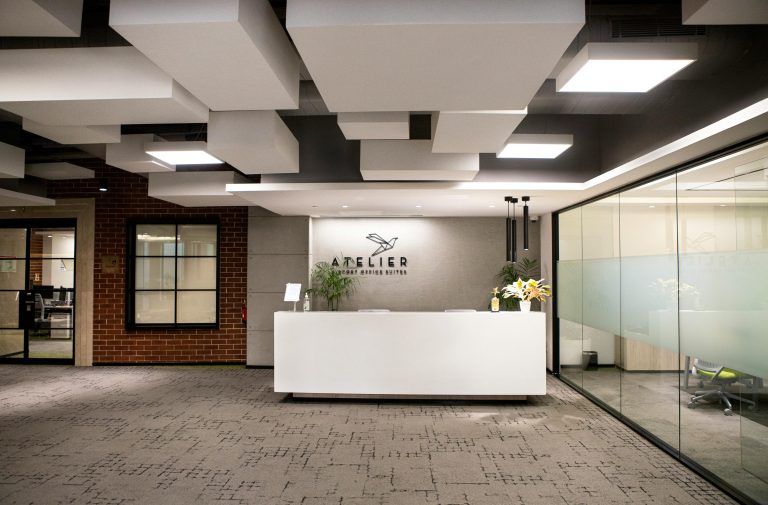
Understanding office lighting regulations is crucial for creating a safe and productive workspace. From OSHA standards to choosing the right lighting fixtures, this guide covers everything you need to know to ensure compliance and optimize your work environment.
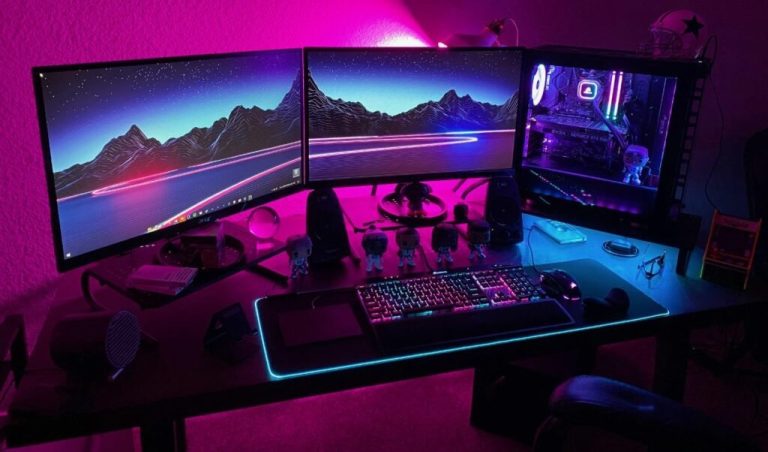
Having dual monitors can increase the efficiency of your work or play. Fitting them with a cohesive wallpaper can also transform your workspace from a plain one into something that is cool and exciting. We rounded up a couple of websites where you can find the best wallpapers to enhance the aesthetics of your dual monitor setup.
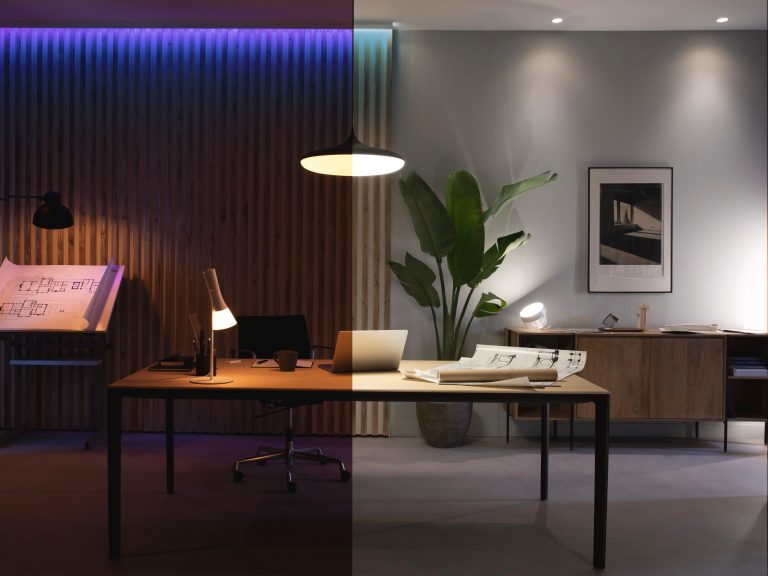
Harsh lighting in the office can lead to eye strain and fatigue. To counter these uncomfortable situations, it’s best to have adjustable lighting options in the office. Learn more about dimmable lighting solutions here.