

Best Budget Standing Desks
Your Ultimate Guide to Standing Desks for Back Pain
Standing desks used to sit almost entirely in the premium office furniture category. A few years ago, getting a reliable electric standing desk often meant spending $600 to $1,200 before accessories. That changed quickly once brands started targeting the exploding work-from-home market.
Now the budget standing desk category is crowded with options claiming dual motors, memory presets, heavy lifting capacity, and ergonomic benefits for under $300. The problem is that many of these desks look almost identical online while performing very differently in real use. Some budget desks genuinely offer impressive value. Others wobble badly at standing height, struggle with dual monitors, or develop motor issues after a year of daily use.
The biggest mistake buyers make is focusing almost entirely on price while ignoring stability, frame quality, desktop depth, and long-term usability. A standing desk can technically move up and down while still frustrating to use every day.
This guide focuses on budget standing desks that are actually worth considering for real-world setups, including home offices, gaming workstations, apartment desks, and multi-monitor environments. Instead of repeating generic spec sheets, we’re looking at what affects daily comfort and long-term reliability.
- 3 products compared on the same points
Our top picks
Editor’s choice
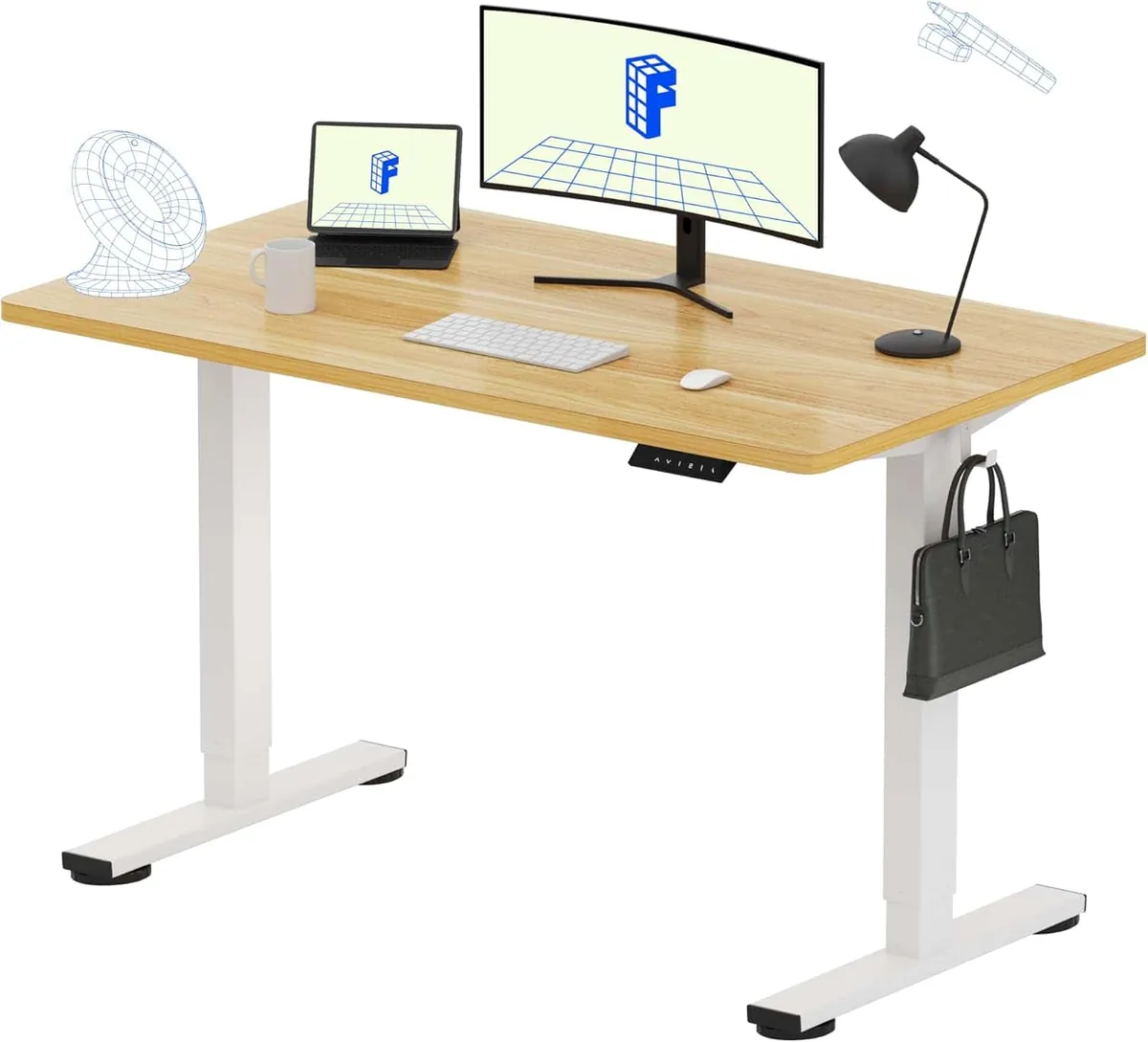
Best Overall
FLEXISPOT EN1 Whole Piece Standing Desk
A genuinely balanced budget standing desk with better stability and desktop quality than most competitors in its price range.
$109.97
List price $159.99
Save 31%
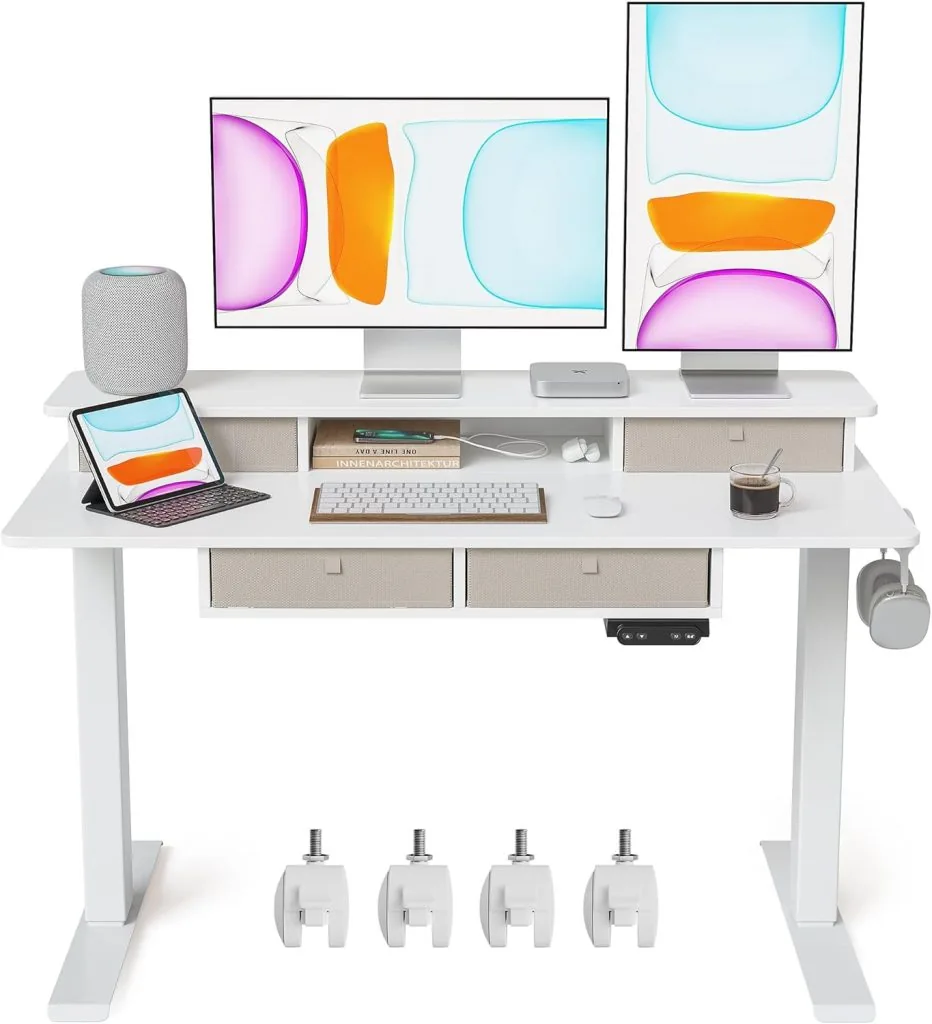
Best for Dual Monitors
Banti Adjustable Height Standing Desk with Drawers
Offers a wider surface and stronger frame support that handles heavier workstation setups more comfortably.
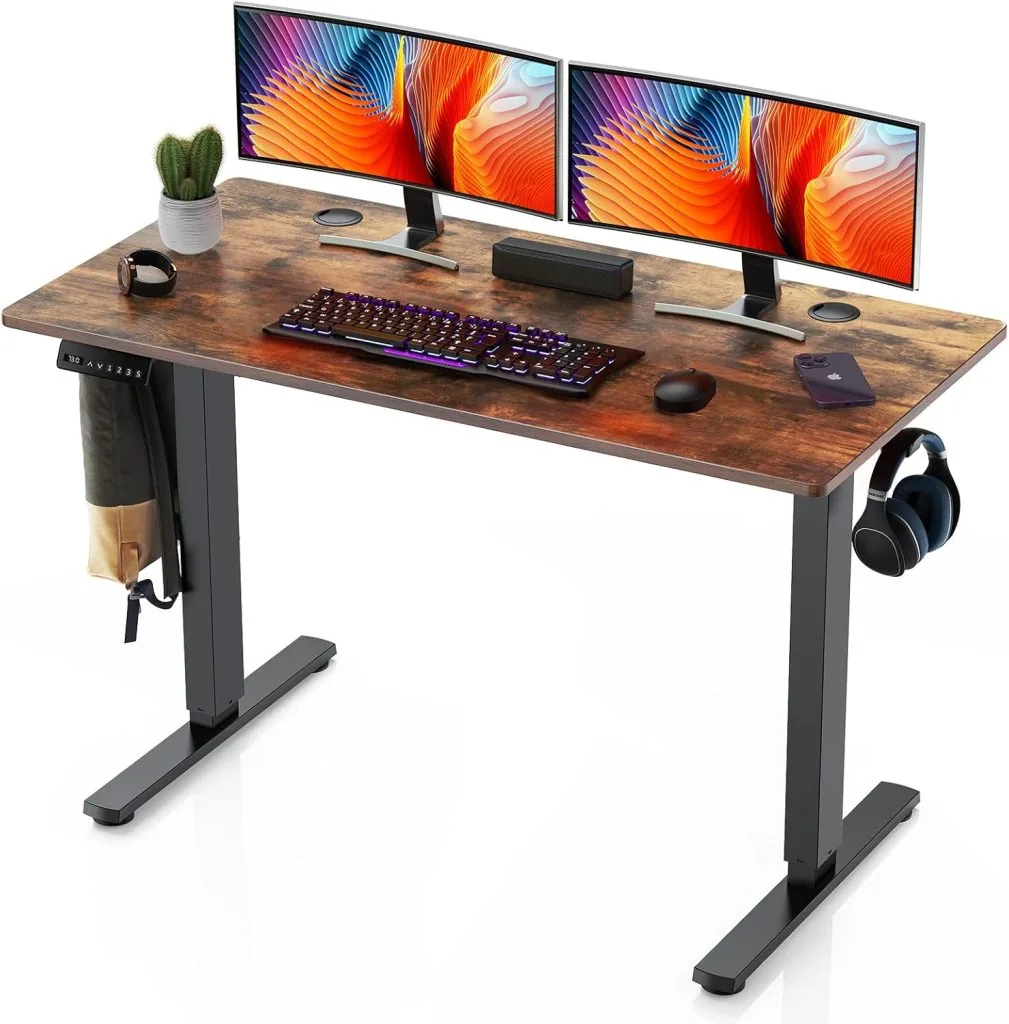
Best for Small Spaces
Sweetcrispy Electric Height Adjustable Standing Desk
Compact dimensions make it ideal for apartments, dorms, and tight home office layouts without sacrificing core functionality.
Compared at a glance
| Photo | Model | Best for | Highlights | Buy |
|---|---|---|---|---|
| FLEXISPOT EN1 Whole Piece Standing Desk | Best Overall | One-piece desktop improves stability |
Check price
$109.97
List price |
|
| Banti Adjustable Height Standing Desk with Drawers | Best for Dual Monitors | Better organization than most budget desks |
Check price
$196.00 |
|
| Sweetcrispy Electric Height Adjustable Standing Desk | Best for Small Spaces | Great for small apartments |
Check price
$162.82 |
Every pick reviewed
#1 Best Overall
FLEXISPOT EN1 Whole Piece Standing Desk
The FlexiSpot EN1 consistently appears in editorial recommendations because it avoids many of the common problems that plague ultra-cheap standing desks.
The biggest advantage is the one-piece desktop. Many budget standing desks use split desktop boards to reduce shipping costs, but those seams become weak points over time. They can flex under monitor weight, separate slightly, or create uneven pressure points when using monitor arms.
The EN1’s single-piece desktop feels noticeably sturdier during daily use. If you type aggressively or frequently lean against the desk, the difference becomes obvious quickly.
Its electric motor is also quieter than many competing desks. That matters more than people realize, especially in apartments or shared office spaces where constant motor noise becomes irritating over time.
What we like
- One-piece desktop improves stability
- Excellent value under $300
- Quiet motor operation
- Good entry-level ergonomics
What we don’t
- Single motor limits heavy-duty performance
- Not ideal for extremely tall users
- Cable management is basic
$109.97
List price $159.99
Save 31%
Check price on Amazon Opens in a new tab · we may earn a commission
#2 Best for Dual Monitors
Banti Adjustable Height Standing Desk with Drawers
The Banti standing desk solves one of the biggest frustrations with budget desks: workspace organization.
Most affordable standing desks focus entirely on the lifting frame while ignoring everyday usability. That leads to cluttered desks with cables, adapters, notebooks, and peripherals spread everywhere.
The integrated drawers help make this desk feel more practical for full-time work rather than temporary setups.
Its wider surface also works better for dual monitors than many cheaper 40-inch or 48-inch desks. Dual monitors require more than width alone. Depth matters too. Shallow desktops force screens too close to your face, which becomes uncomfortable during long work sessions.
The Banti’s broader usable workspace creates a more comfortable viewing distance while leaving room for accessories.
The tradeoff is assembly complexity. Desks with storage components generally take longer to build and weigh more.
What we like
- Better organization than most budget desks
- Excellent for dual-monitor setups
- Wider workspace
- Attractive finish options
- Good productivity-focused layout
What we don’t
- Heavier assembly process
- Slightly pricier than entry-level desks
- Drawers reduce knee clearance slightly
$196.00
Check price on Amazon Opens in a new tab · we may earn a commission
#3 Best for Small Spaces
Sweetcrispy Electric Height Adjustable Standing Desk
Small-space buyers often struggle because many “budget” standing desks still occupy substantial floor space once fully assembled.
The Sweetcrispy desk works particularly well for dorm rooms, studio apartments, compact bedrooms, and minimalist workstations. Its smaller footprint also reduces one common issue with budget desks: lateral wobble.
Longer desktops naturally create more leverage against the lifting frame. Compact desks tend to feel slightly more stable because there’s less surface area flexing during movement.
This desk won’t satisfy users running elaborate workstation setups with multiple ultrawide monitors, desktop speakers, and heavy accessories. But for laptop users, students, and lightweight home office setups, it delivers surprisingly solid value.
What we like
- Great for small apartments
- Affordable entry point
- Easier assembly
- Compact footprint
- Decent motor performance
What we don’t
- Limited workspace
- Lower weight capacity
- Less ideal for heavy peripherals
$162.82
Check price on Amazon Opens in a new tab · we may earn a commission
So, which one should you buy?
Final Note
The best budget standing desk isn’t necessarily the cheapest model. It’s the desk that stays stable, works reliably, fits your workspace properly, and remains comfortable during years of daily use.
For most buyers, the FlexiSpot EN1 hits the best balance between affordability, frame quality, stability, and long-term usability. It avoids many of the compromises that make ultra-cheap standing desks frustrating after the initial excitement wears off.
If you’re building a heavier workstation with dual monitors, it’s worth spending slightly more for stronger stability. But for typical home office use, today’s better budget standing desks are far more capable than most people expect.
Frequently Asked Questions
Are Cheap Standing Desks Actually Worth Buying?
Yes, but expectations matter. Budget standing desks have improved dramatically over the past few years. For many users, especially remote workers upgrading from fixed desks, even a decent budget standing desk creates noticeable ergonomic improvement.
However, there’s still a meaningful difference between a $150 desk, a $300 mid-tier desk, and a $900 premium desk. Premium desks generally provide:
- Better stability
- Longer warranties
- Stronger steel frames
- Quieter motors
- Better cable management
- Superior desktops
The key question becomes usage intensity. For moderate daily office work, many budget desks now offer enough performance to justify the savings.
Are budget standing desks worth buying?
Yes, especially for home office users with moderate setups. Budget standing desks have improved substantially in recent years. The biggest difference between cheap and premium desks usually comes down to stability, desktop quality, and long-term durability rather than basic functionality.
Do cheap standing desks wobble?
Some do, especially at maximum standing height. Wobble depends on frame quality, desktop size, monitor weight, and floor surface. Wider desktops and monitor arms often increase visible movement.
Can budget standing desks hold dual monitors?
Many can, but stability varies significantly. Dual monitors place additional stress on the frame and amplify vibration. Buyers using monitor arms or ultrawide displays should prioritize stronger frames and wider desktops.
What’s the best standing desk under $300?
The FLEXISPOT EN1 Whole Piece Standing Desk Electric Height Adjustable Desk consistently ranks among the strongest value options because of its balance between affordability, desktop quality, motor performance, and stability.
How long do standing desk motors last?
That depends heavily on usage frequency and build quality. Higher-quality motors can last many years under normal home office use. Cheaper motors may wear faster if heavily loaded or adjusted constantly throughout the day.
What size standing desk should I buy?
For most users, a minimum depth of 24 inches is ideal for comfortable monitor distance. 48 inches wide works for single monitors, and 55 inches or wider works better for dual monitors.
Are standing desks good for back pain?
Standing desks can help reduce prolonged sitting discomfort, but posture, movement habits, monitor height, and footwear matter just as much. Alternating between sitting and standing generally works better than standing all day.