
Your Ultimate Guide to Standing Desks for Tall Users
Finding a standing desk when you’re tall is much harder than most people make it seem. A desk can advertise a 50-inch maximum height and still feel awkward for someone over 6’3”. Another model might technically reach the right height but wobble badly once extended. Some desks feel stable with a laptop setup but become shaky with dual monitors, heavy monitor arms, studio speakers, or gaming equipment. That’s why tall users often end up disappointed after buying standing desks that looked perfect on paper.
For tall users, the wrong standing desk doesn’t just feel slightly uncomfortable. It can create constant shoulder elevation, neck strain, wrist compression, lower back fatigue, and unstable typing conditions throughout the workday. The good news is that the standing desk market has improved dramatically over the past few years. Several brands now offer extended height ranges, stronger dual-motor frames, thicker steel columns, and significantly better stability engineering.
This guide focuses specifically on desks that actually work well for tall people in real-world use. That means height range matters, but stability, ergonomics, monitor support, desktop depth, and long-term comfort matter just as much.
Which is the Top One?
Editor's Choice  Best Overall | 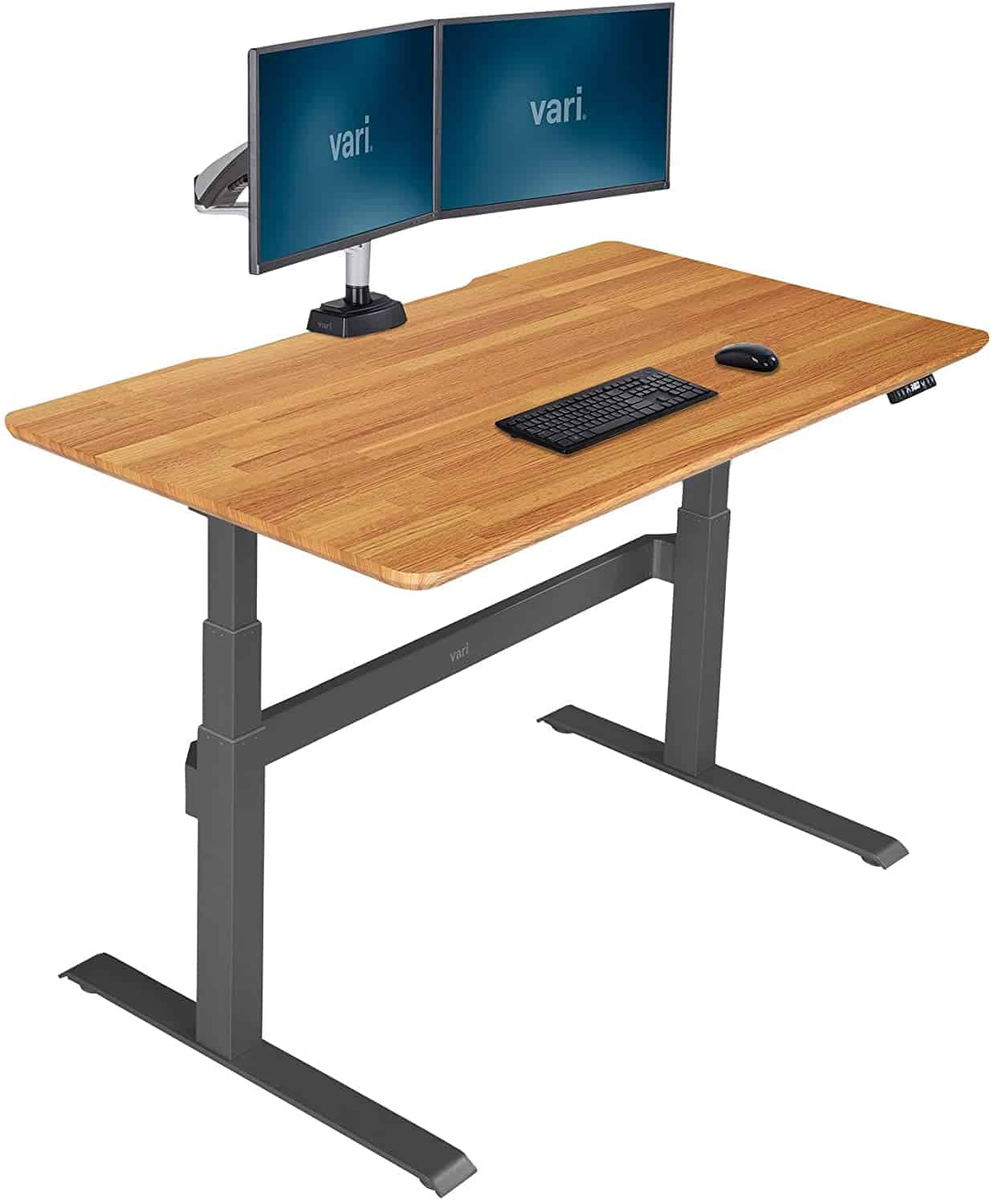 Best for Stability | 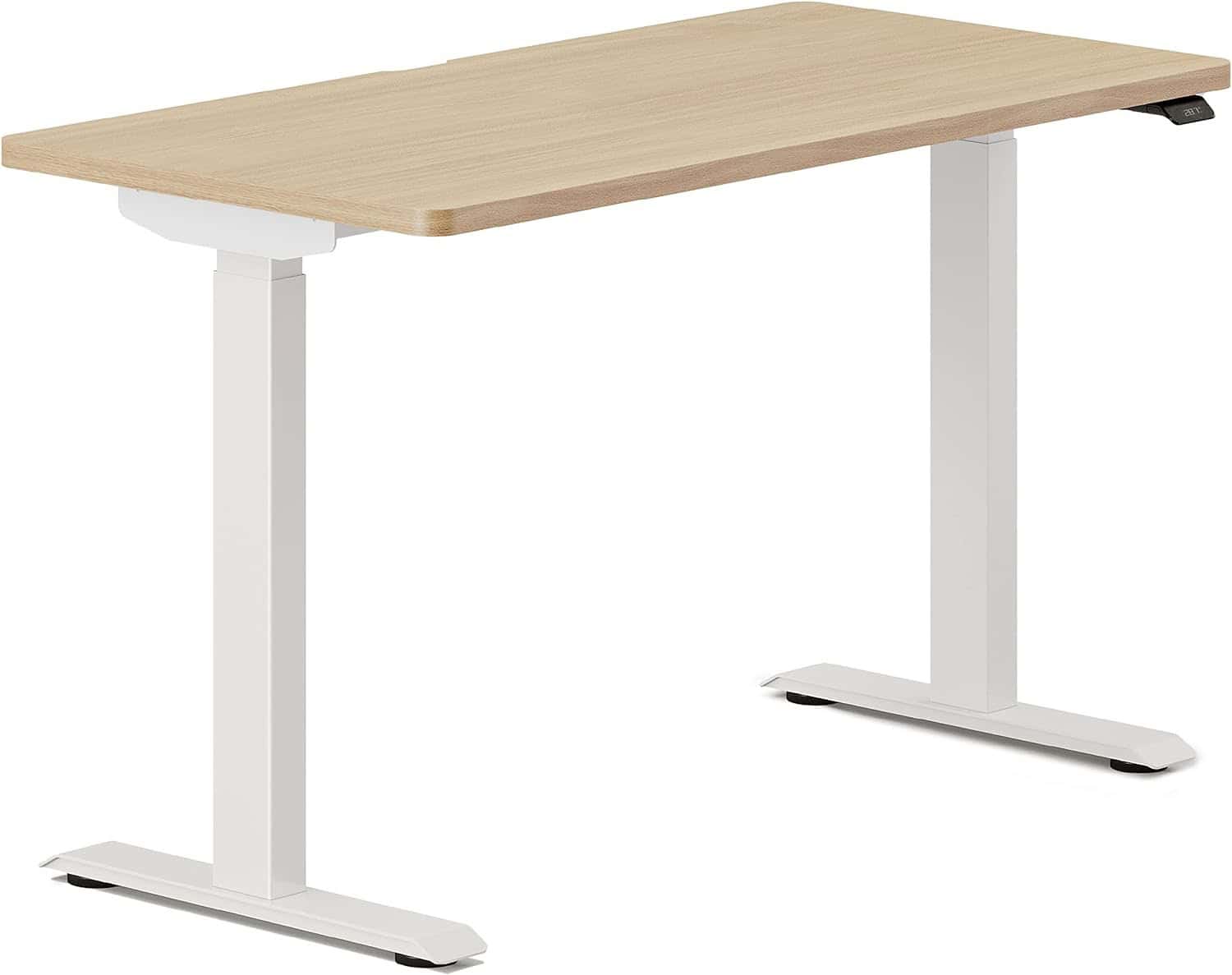 Best Minimalist Design |
Uplift V2 Standing DeskA highly stable dual-motor standing desk with one of the best height ranges, customization systems, and ergonomic setups available for tall users. | Vari Electric Standing DeskA dependable electric standing desk with impressive rigidity, smooth height adjustments, and excellent everyday stability for taller professionals. | Branch Duo Standing DeskA sleek modern standing desk with clean aesthetics, smooth motor performance, and a compact ergonomic design that works especially well for stylish home office setups. |
Functionality: ⭐⭐⭐⭐⭐ Quality: ⭐⭐⭐⭐⭐ Price: ⭐⭐⭐⭐ | Functionality: ⭐⭐⭐⭐⭐ Quality: ⭐⭐⭐⭐⭐ Price: ⭐⭐⭐⭐ | Functionality: ⭐⭐⭐⭐ Quality: ⭐⭐⭐⭐⭐ Price: ⭐⭐⭐⭐⭐ |
Let’s Go Over Each One
#1: Uplift V2 Standing Desk
Functionality: ⭐ ⭐ ⭐ ⭐ ⭐
Quality: ⭐ ⭐ ⭐ ⭐ ⭐
Price: ⭐ ⭐ ⭐ ⭐
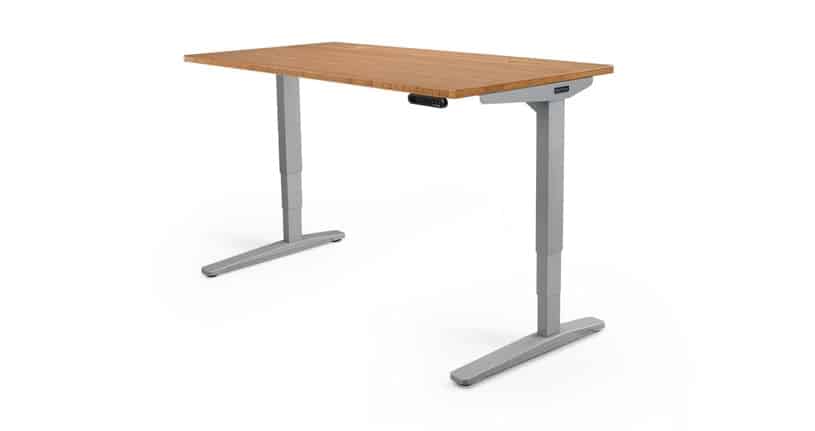
The Uplift V2 consistently ranks among the best ergonomic standing desks for tall people because it solves several problems simultaneously instead of focusing only on height range.
Its frame reaches roughly 50.9 inches, depending on desktop configuration, which comfortably accommodates many users up to around 6’6”. More importantly, the desk maintains impressive stability at taller working heights compared to many cheaper frames.
That stability comes from a combination of quality steel construction, strong lifting columns, and intelligent frame geometry. Many budget desks technically rise high enough, but develop side-to-side wobble once fully extended. The Uplift V2 controls that movement far better than most mid-range competitors.
Another major advantage is desktop customization. Tall users often need deeper desktops because longer arm reach and monitor distance become more important ergonomically. A shallow desktop can force taller people to lean forward constantly, especially with large monitors.
The Uplift V2 offers multiple depth and width options, making it easier to create a properly proportioned setup.
The dual motors are smooth, quiet, and reliable. Transition speed is quick enough that moving between sitting and standing doesn’t interrupt workflow.
For dual-monitor users, the desk performs especially well when paired with quality monitor arms. Even with heavier setups, stability remains impressive for a two-leg frame.
Pros and Cons of the Uplift V2 Standing Desk
| Pros | Cons |
|---|---|
| ✔ Fast transit speeds ✔ Quiet movement ✔ Sturdy; has no wobble ✔ High quality build for its price point | ✘ Crossbar at the bottom a potential hazard for legs |
#2: Vari Electric Standing Desk

Functionality: ⭐ ⭐ ⭐ ⭐ ⭐
Quality: ⭐ ⭐ ⭐ ⭐ ⭐
Price: ⭐ ⭐ ⭐ ⭐
The Vari Electric Standing Desk has earned a strong reputation because of its simplicity and ease of setup.
Many standing desks require lengthy assembly processes involving complicated frame alignment and hardware installation. Vari simplified much of that experience, which makes the desk appealing for users who want a premium-feeling setup without a difficult installation.
For tall users, the desk’s main strength is stability. While its maximum height range isn’t the absolute tallest in the category, it performs very well for users around 6’2” to 6’4”. The frame remains impressively solid during typing and mouse movement.
That matters more than some buyers initially realize. A desk that technically reaches proper ergonomic height but shakes during every keyboard press quickly becomes frustrating during daily use.
The Vari desk also has one of the cleanest overall designs in the category. It works well in professional home offices because it avoids the overly industrial appearance some heavy-duty standing desks have.
The desktop depth is sufficient for most monitor setups, though users with ultrawide displays may want a deeper surface.
Pros and Cons of the Vari Electric Standing Desk
| Pros | Cons |
|---|---|
| ✔ Premium design ✔ Easy to assemble ✔ High-quality materials ✔ Cable management cutout is 5 inches | ✘ Some monitor arms are incompatible ✘ Lacks a keyboard tray |
#3: Branch Duo Standing Desk

Functionality: ⭐ ⭐ ⭐ ⭐
Quality: ⭐ ⭐ ⭐ ⭐ ⭐
Price: ⭐ ⭐ ⭐ ⭐ ⭐
The Branch Duo Standing Desk targets users who want a cleaner, minimalist workspace without sacrificing ergonomic functionality.
For tall users, the desk works best for lighter office setups rather than extremely heavy workstation environments.
Its design focuses heavily on aesthetics, cable management simplicity, and modern office integration. The lifting system feels smooth and refined, and the desktop surface has a premium appearance that fits well in smaller offices or apartments.
However, taller users running heavy dual-monitor arms may notice more movement compared to desks like the Uplift V2 or Apex Pro. That doesn’t automatically make it a poor choice.
For writers, remote workers, students, or users with relatively lightweight setups, the desk delivers a strong balance between design and functionality.
The frame reaches a comfortable ergonomic height for many users above six feet, although very tall buyers should carefully verify ideal elbow positioning before purchasing.
Pros and Cons of the Branch Duo Standing Desk
| Pros | Cons |
|---|---|
| ✔️ Highly adjustable standing desk ✔️ Comes with five desktop finishes and three desk leg colors ✔️ Premium build quality ✔️ Control paddle with digital display makes it easy to switch positions ✔️ Fits compact spaces ✔️ Also available in a large desk size ✔️ Optional cable management tray and desk drawer ✔️ Streamlined assembly process | ✖️ May need a blanket over the desktop surface to avoid scratching ✖️ Can be pricey ✖️ Cable management tray may be too small to fit a non-Branch brand power strip ✖️ No built-in storage ✖️ Ships in two boxes |
#4: Secretlab Magnus Pro XL
Functionality: ⭐ ⭐ ⭐ ⭐ ⭐
Quality: ⭐ ⭐ ⭐ ⭐ ⭐
Price: ⭐ ⭐ ⭐ ⭐
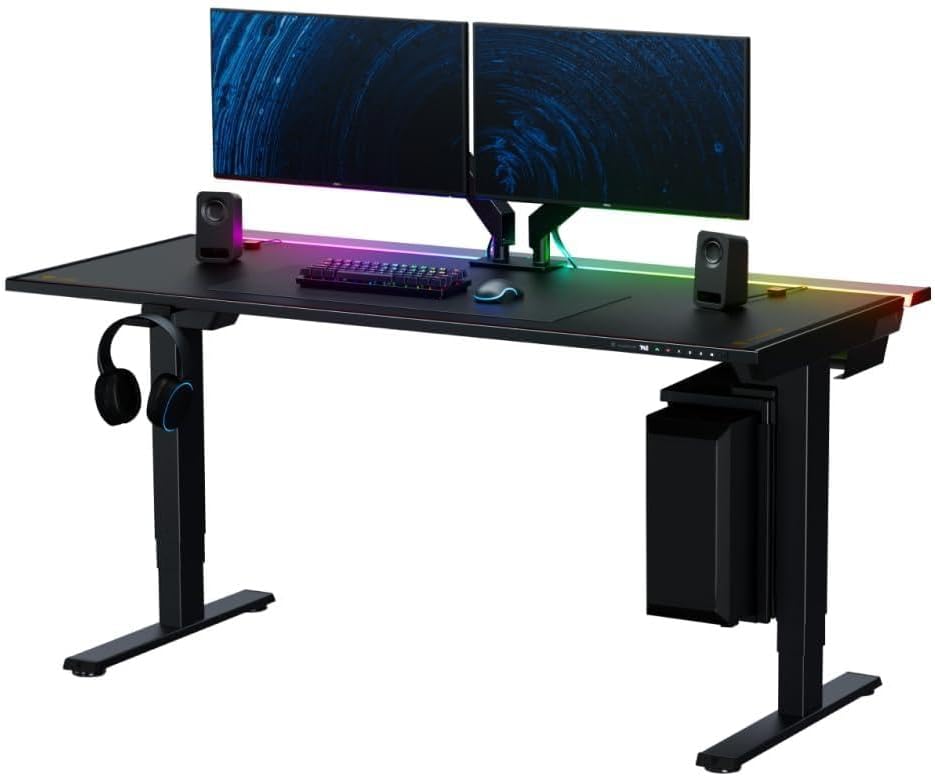
The Secretlab Magnus Pro XL is one of the most interesting standing desks for tall users because it blends gaming-focused features with legitimate ergonomic performance.
Many gaming desks prioritize aesthetics over structural quality. The Magnus Pro XL does the opposite.
Its cable management system is genuinely excellent, especially for users running gaming PCs, streaming equipment, multiple monitors, lighting accessories, and microphones.
Tall users benefit from the desk’s wide surface area and strong frame stability. The XL size creates enough room for broader ergonomic positioning, which becomes increasingly important for larger users.
The magnetic ecosystem is also surprisingly practical rather than gimmicky. Accessories integrate cleanly without creating clutter.
Stability is impressive for a gaming-oriented desk, particularly during active typing and mouse movement.
One of the desk’s biggest strengths is how organized it keeps larger setups. Tall users often prefer wider arm positioning and larger monitor distances, which can make cramped desks feel uncomfortable quickly. The Magnus Pro XL avoids that issue entirely.
Pros and Cons of the Secretlab Magnus Pro XL
| Pros | Cons |
|---|---|
| ✔️ Outstanding cable management ✔️ Large workspace for tall users ✔️ Excellent for gaming and streaming setups ✔️ Strong frame stability ✔️ Premium build quality | ✖️ Expensive ✖️ Heavy desk requires more setup effort ✖️ Ecosystem accessories add substantial cost |
#5: ErGear Dual Motor Standing Desk
Functionality: ⭐ ⭐ ⭐ ⭐ ⭐
Quality: ⭐ ⭐ ⭐ ⭐
Price: ⭐ ⭐ ⭐ ⭐ ⭐
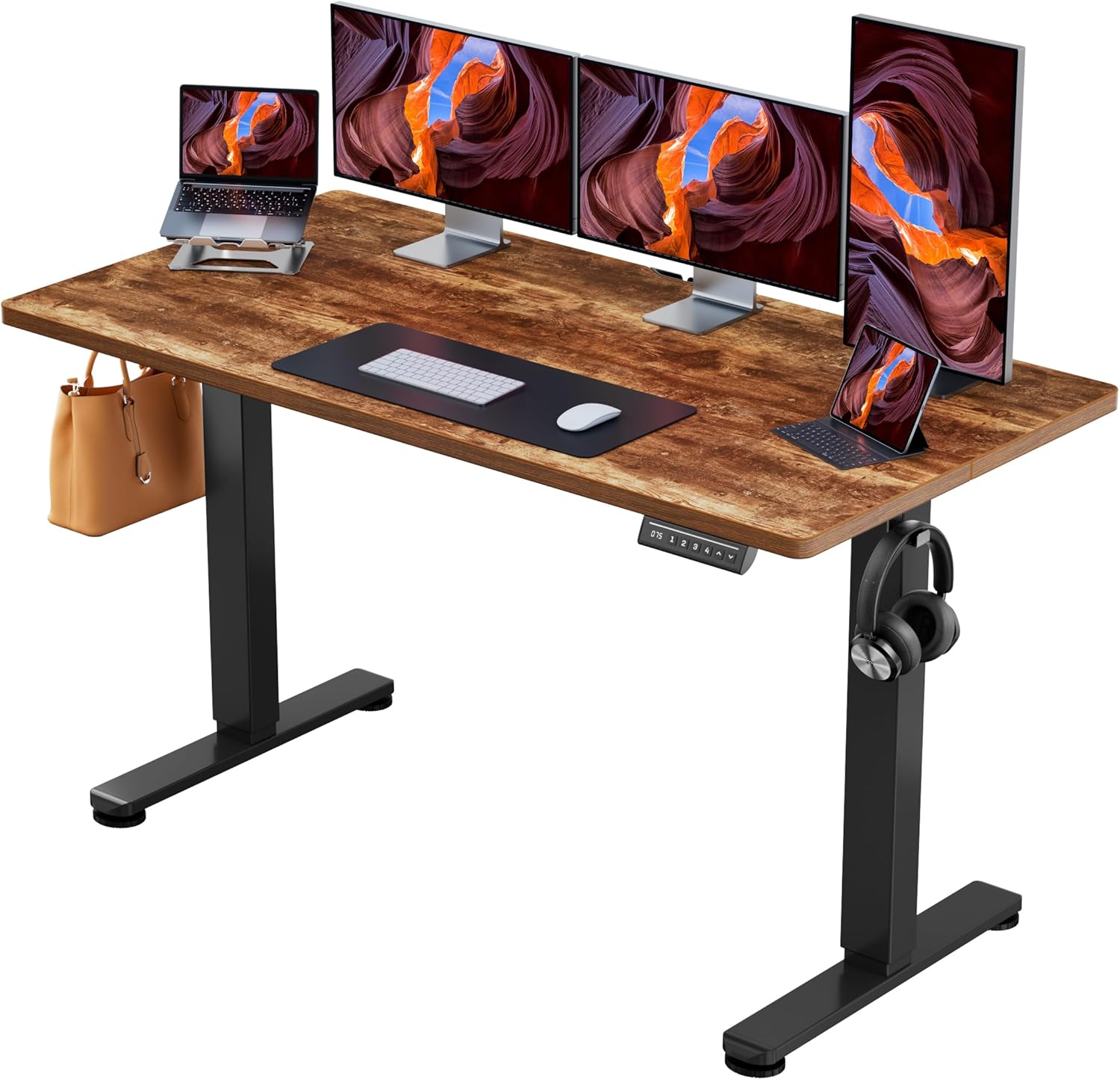
The ErGear Dual Motor Standing Desk has quietly become one of the better options for taller users who want dependable ergonomics without paying premium flagship pricing.
A lot of standing desks in the lower mid-range category struggle with stability once extended above 45 inches. That’s where taller users usually start noticing keyboard vibration, monitor shake, and side-to-side sway.
The ErGear performs better than expected in this area. Its dual-motor frame feels considerably sturdier than many entry-level competitors, particularly for standard office setups with one or two monitors.
While it doesn’t compete directly with ultra-premium frames like the Apex Pro or Uplift V2 in terms of rigidity, it delivers a respectable balance between affordability and everyday usability.
The desk also benefits from relatively smooth motor transitions and a straightforward control system with programmable height presets. For remote workers alternating between sitting and standing throughout the day, the adjustment experience feels responsive rather than sluggish.
Another strength is desktop practicality. Several ErGear configurations offer wider desktop surfaces that work well for taller users who naturally prefer broader arm spacing and greater monitor distance. That extra space helps prevent cramped posture during long work sessions.
The desk is especially appealing for buyers entering the standing desk market for the first time because it avoids many of the severe compromises common among cheaper desks.
Pros and Cons of the ErGear Dual Motor Standing Desk
| Pros | Cons |
|---|---|
| ✔️ Strong value for the price ✔️ Better stability than most entry-level desks ✔️ Smooth dual-motor operation ✔️ Good desktop sizing options ✔️ Easy-to-use memory presets | ✖️ Not ideal for extremely heavy workstation setups ✖️ Slight wobble appears near maximum extension ✖️ Limited premium finish options |
#6: FEZIBO Triple Motor Standing Desk
Functionality: ⭐ ⭐ ⭐ ⭐
Quality: ⭐ ⭐ ⭐ ⭐
Price: ⭐ ⭐ ⭐ ⭐ ⭐
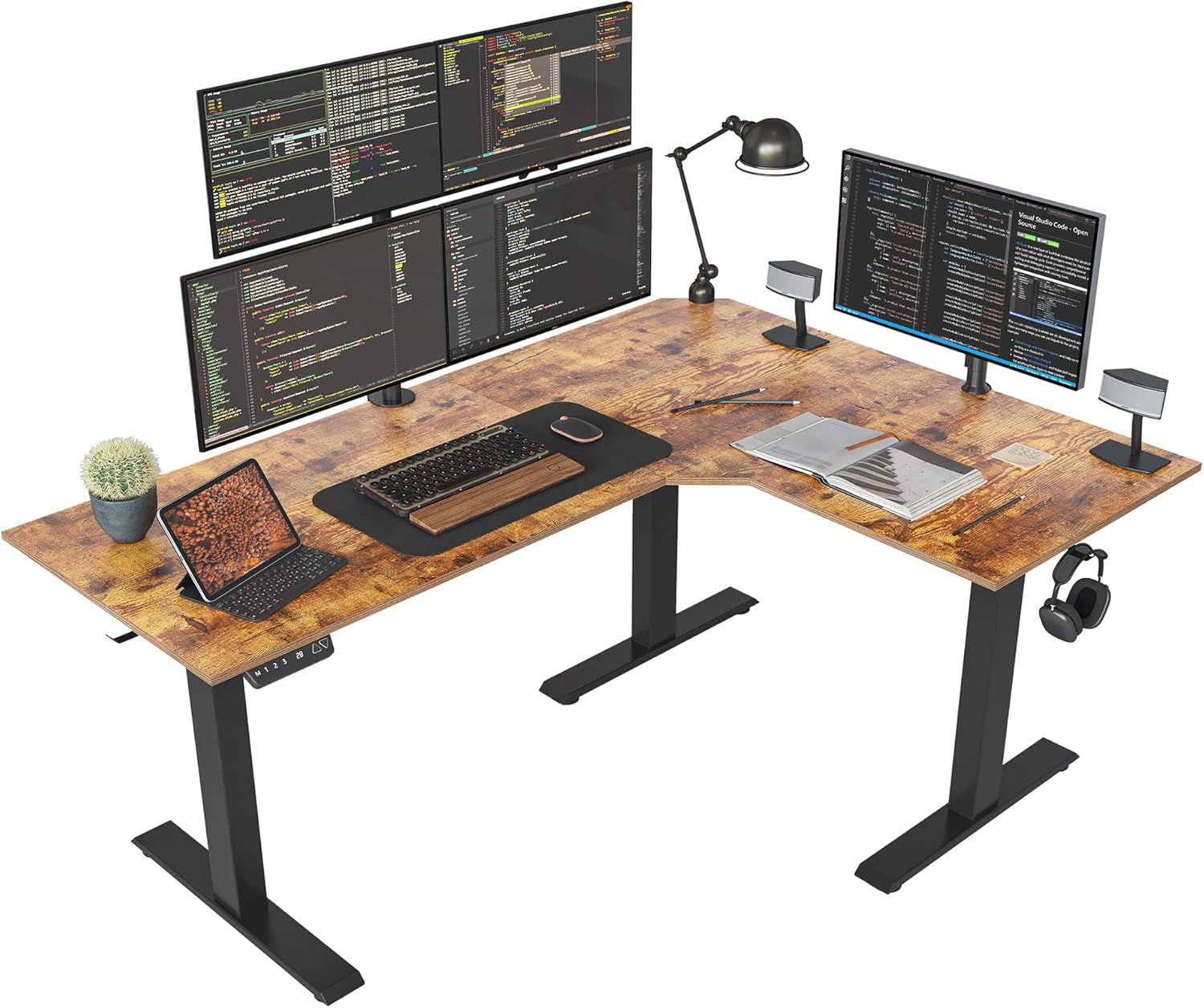
FEZIBO has become increasingly popular because it offers features usually associated with more expensive desks. Its triple-motor configurations provide impressive lifting support for heavier setups while keeping pricing relatively accessible.
For taller users, the biggest advantage is surface size flexibility. Many FEZIBO configurations include larger desktop dimensions that help improve monitor distance and arm positioning.
The desk performs reasonably well for gaming, office work, and creative setups, though long-term quality consistency isn’t quite at the level of premium brands.
Still, for buyers who want a feature-rich desk without premium pricing, FEZIBO delivers surprisingly competitive functionality.
Pros and Cons of the FEZIBO Triple Motor Standing Desk
| Pros | Cons |
|---|---|
| ✔️ Good feature set for the price ✔️ Strong lifting capability ✔️ Large desktop options ✔️ Triple motor support on select models | ✖️ Long-term durability varies ✖️ More wobble than premium competitors ✖️ Assembly instructions can be inconsistent |
Why Most Standing Desks Fail Tall Users
Most standing desks are designed around average ergonomic assumptions. That creates immediate problems for taller people because workstation ergonomics become increasingly sensitive as body proportions grow larger.
Insufficient Maximum Height
Many standing desks advertise height ranges that technically sound tall enough, but real ergonomic positioning depends on elbow angle rather than raw desk height numbers. Taller users often need additional elevation because anti-fatigue mats, shoes, keyboard trays, and posture adjustments all affect ideal desk positioning.
Wobble
Standing desk stability decreases as lifting columns extend upward. The higher the desk rises, the more leverage the movement gains across the frame. Cheap desks using thinner steel, weaker cross supports, or poor engineering become unstable quickly. Tall users experience this more severely because they operate near the desk’s maximum extension range.
Monitor Positioning
Taller people generally require higher monitor placement and greater viewing distance. Shallow desktops can force awkward neck posture because monitors end up too close to the face. This is why tall users shouldn’t evaluate standing desks purely by maximum height claims. Stability, desktop depth, frame engineering, and monitor ergonomics matter just as much.
How Tall Should a Standing Desk Be?
The ideal standing desk height depends on elbow positioning. When standing naturally, your elbows should remain at around a 90-degree angle while typing. Your shoulders should stay relaxed instead of being elevated upward.
For many users around 6 feet tall, the ideal standing desk height falls roughly between 44 and 46 inches. Users around 6’4” may require heights closer to 48 or 50 inches, depending on arm length and posture.
This is where desk marketing becomes misleading. Some manufacturers measure maximum height differently, including desktop thickness, while others only measure frame extension. A desk claiming a 50-inch range may not actually deliver a comfortable ergonomic position for someone above 6’5”.
What Tall Users Should Prioritize Before Buying
Stability
Desk stability should be the top priority for most tall users. Many buyers initially focus on desktop appearance or accessories, but daily usability depends heavily on how stable the desk feels at standing height. A slightly less attractive desk with excellent rigidity will feel dramatically better long-term than a stylish desk that shakes constantly.
Weight Capacity
This matters more for taller users because larger workstations often involve heavier equipment. Ultrawide monitors, dual monitor arms, speakers, microphones, gaming PCs, and laptops can collectively place substantial strain on weaker frames.
Desktop Depth
Taller users often sit farther from monitors naturally. A shallow 24-inch desktop can force awkward neck positioning and cramped arm placement. Deeper desktops around 30 inches typically feel far more comfortable for larger users.
Dual Monitors
Dual motors are strongly recommended. Single-motor desks may struggle with heavier loads and can feel slower or less balanced over time. Dual-motor systems distribute lifting force more evenly and generally provide smoother operation.
Are Budget Standing Desks Good Enough for Tall People?
Sometimes. Budget standing desks have improved significantly over the past few years. Several models now offer respectable height ranges, decent motors, and acceptable stability for moderate setups. However, there are still tradeoffs.
Cheaper standing desks usually cut costs through thinner steel, lower-quality motors, reduced frame reinforcement, weaker quality control, or smaller lifting columns. These compromises become more noticeable for tall users because the desk operates near maximum extension more frequently.
That doesn’t mean every budget desk is automatically bad. The FlexiSpot E7 Pro Plus proves that mid-range desks can deliver impressive performance when engineered properly. The key is understanding expectations. If you’re running a lightweight setup with a laptop and one monitor, several budget desks will work perfectly well. If you’re 6’5” using dual ultrawide monitors, heavy monitor arms, studio speakers, and a desktop PC, investing in a more stable frame becomes much more worthwhile.
How to Create an Ergonomic Standing Desk Setup for Tall People
Even the best standing desk can feel uncomfortable if the surrounding setup is poorly configured.
Monitor Placement
Monitor placement is one of the biggest ergonomic mistakes tall users make. The top portion of the screen should sit roughly at or slightly below eye level. If the monitor sits too low, the neck constantly tilts downward, which creates upper back and shoulder strain.
Monitor arms are often worth the investment because they allow more precise height adjustment.
Keyboard Positioning
Wrists should remain relatively neutral instead of being bent upward sharply. If the desk surface sits too high relative to the elbow position, wrist strain develops quickly.
Anti-Fatigue Mats
Anti-fatigue mats can make standing significantly more comfortable during long sessions. They reduce pressure on the feet, knees, and lower back by encouraging subtle muscle movement.
Standing Duration
Tall users should also avoid standing continuously for hours. The healthiest ergonomic approach involves movement variation. Alternating between sitting and standing throughout the day usually feels much better than trying to stand nonstop.
Final Note
Tall users face a different set of standing desk challenges than average-height buyers. Maximum height matters, but it’s only one part of the equation. Frame stability, monitor positioning, desktop depth, motor quality, and workstation weight all become increasingly important as desk height increases.
The best standing desks for tall people aren’t simply the tallest desks available. They’re the desks that remain ergonomically usable, stable, and comfortable at those taller heights.
Frequently Asked Questions
What standing desk height is best for tall people?
The ideal standing desk height depends on elbow positioning rather than overall body height alone. Most taller users need the desk surface positioned so their elbows remain close to a 90-degree angle while typing comfortably. Users above 6’3” often require desks capable of reaching 48 inches or higher, especially when using anti-fatigue mats.
Do standing desks wobble more for taller users?
Yes. Wobble becomes more noticeable as standing desks extend upward because taller lifting columns create greater leverage forces across the frame. Lower-quality desks often become unstable near maximum extension heights.
Is a dual motor standing desk worth it?
For tall users, dual motors are usually worth the extra cost. They provide smoother lifting, better weight distribution, improved reliability, and stronger support for heavier setups like dual monitors or gaming equipment.
Can a standing desk help back pain for tall people?
It can, especially if the user previously worked at a desk positioned too low. Proper standing desk ergonomics help reduce hunching, neck strain, shoulder elevation, and awkward spinal positioning.
How tall should a monitor be on a standing desk?
The top section of the monitor should generally sit at or slightly below eye level. Taller users often benefit from monitor arms because they allow better vertical positioning adjustments.
What’s the best standing desk for dual monitors?
The Uplift V2 and Apex Pro are both excellent choices for dual-monitor setups because of their strong frame stability and high weight capacities.
Are gaming desks good for tall people?
Some are. Many gaming desks focus heavily on aesthetics while neglecting ergonomics and frame quality. Models like the Secretlab Magnus Pro XL are exceptions because they combine gaming features with genuinely strong stability and workspace design.
What desk depth is best for tall users?
Most taller users benefit from desks at least 30 inches deep. Greater depth improves monitor distance, arm positioning, and overall ergonomic comfort.
Editor’s Choice
Uplift V2 Standing Desk
The Uplift V2 earns the best overall position because it successfully balances nearly every factor that tall users care about.
Its height range comfortably supports taller individuals, the frame remains impressively stable during daily use, and the customization options allow buyers to build genuinely ergonomic workstations instead of forcing compromises.
Unlike many standing desks that excel in only one area, the Uplift V2 performs consistently across stability, motor reliability, desktop options, monitor compatibility, and long-term usability.
It’s especially strong for professionals running dual-monitor setups, remote workers spending long hours standing, and users who want flexibility as their workspace evolves.
While cheaper desks exist, very few offer the same combination of ergonomics, structural confidence, and customization quality.
For tall users wanting a standing desk that feels like a serious long-term workstation investment instead of a temporary productivity trend, the Uplift V2 remains one of the safest recommendations in the category.