How Long Should You Stand at a Desk? A Practical Guide to Standing the Right Amount
Table of Contents
If you’ve recently switched to a standing desk, one of the first questions you’ll probably ask is how long you should actually stand. Many people assume that standing all day is healthier than sitting all day, but research and workplace ergonomics suggest that neither extreme is ideal.
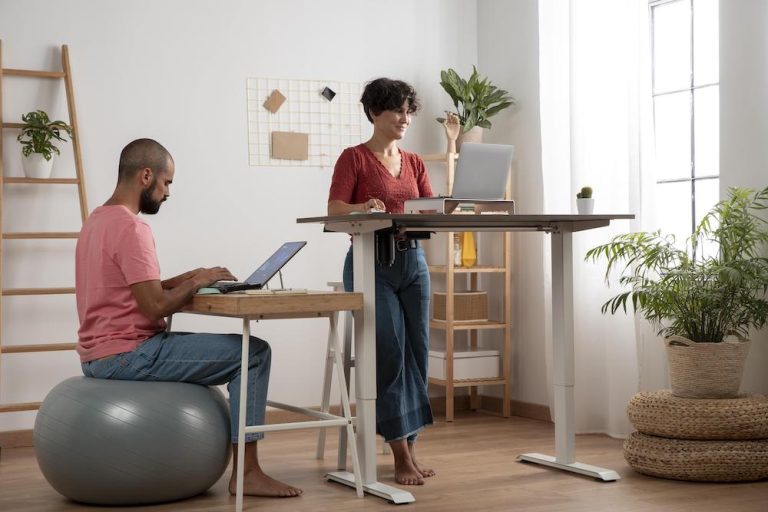
The healthiest approach is to alternate between sitting, standing, and moving throughout the day. A standing desk isn’t designed to eliminate sitting. It gives you the flexibility to change positions before discomfort sets in.
For most office workers, experts recommend gradually working toward a balance where you spend approximately two to four hours of an eight-hour workday standing. Rather than standing for hours at a time, it’s far more effective to break that time into shorter intervals while continuing to move regularly.
The goal isn’t simply to stand more. It’s to avoid remaining in any one position for too long.
Why Standing All Day Isn’t the Answer
Standing burns slightly more calories than sitting and can reduce the stiffness that often develops during long desk sessions. However, remaining upright for several continuous hours introduces its own challenges.
Extended standing increases pressure on the feet, ankles, knees, hips, and lower back. Blood can begin pooling in the lower legs, leading to swelling and fatigue. Over time, prolonged standing without movement may contribute to joint discomfort and muscle strain.
The human body is designed for movement rather than static postures. Standing in one spot for hours isn’t much different from sitting motionless for the same amount of time. Both reduce circulation, encourage muscle fatigue, and limit the natural movement your body needs throughout the day.
The healthiest workstation encourages frequent position changes rather than committing to one posture.
The Recommended Sit-to-Stand Ratio

While there’s no universal formula that works for everyone, many ergonomics professionals recommend aiming for a sit-to-stand ratio of roughly 2:1. This means that for every 60 minutes of work, you might spend 40 minutes sitting and 20 minutes standing.
Some people prefer alternating every 30 minutes, while others feel better changing positions every hour. The exact schedule matters less than maintaining regular movement. If you’re new to standing desks, even standing for 15 to 20 minutes each hour can make a meaningful difference without overwhelming your muscles.
Start Slowly If You’re New to Standing Desks
One of the biggest mistakes people make is switching from sitting all day to standing for several consecutive hours. Your muscles, joints, and feet need time to adapt.
Begin by standing for about 15 to 20 minutes every hour. After a week or two, increase the standing intervals if you feel comfortable.
Pay attention to how your body responds rather than forcing yourself to reach an arbitrary target. Mild muscle fatigue is normal during the adjustment period, but persistent pain usually signals that something needs to change, whether that’s your posture, footwear, desk height, or standing duration.
Building endurance gradually is far more sustainable than making dramatic changes overnight.
Why Movement Matters More Than Standing Time
Many people become so focused on reaching a certain number of standing hours that they overlook the most important factor: movement. Changing position regularly activates different muscle groups, improves circulation, and reduces pressure on any single area of the body.
Simple movements throughout the day can have a surprisingly large impact. Walk to refill your water bottle instead of waiting until you’re thirsty. Take phone calls while pacing around the room. Stretch your shoulders while documents load. Walk over to speak with a coworker instead of sending another message. Even shifting your weight from one foot to the other or taking a short walk every hour helps reduce fatigue.
Movement is what keeps your body engaged, not standing alone.
Signs You’re Standing Too Long
Your body often tells you when it’s time to change positions. Ignoring those signals can turn mild discomfort into persistent pain.
Common signs include aching feet, tight calves, lower back soreness, numbness in the legs, stiff knees, or tired hips. Some people also notice they begin leaning heavily onto one leg or resting against the desk, both of which indicate fatigue.
If you find yourself constantly shifting to stay comfortable, your body is likely asking for a break. Changing positions before discomfort develops is more effective than waiting until pain appears.
Standing Too Little Can Also Limit the Benefits
On the opposite end of the spectrum, some standing desk owners rarely raise their desks after the novelty wears off. If you remain seated for several uninterrupted hours, you’re missing many of the advantages adjustable desks offer.
Frequent posture changes help reduce stiffness, encourage circulation, and provide natural opportunities to reset your body throughout the day. The objective isn’t perfection. Consistency matters far more than hitting an exact standing quota.
Finding the Best Schedule for Different Types of Work

Different tasks naturally lend themselves to different working positions. Focused writing, coding, or detailed spreadsheet work may feel more comfortable while sitting, particularly if precision is required.
Standing often works well during video meetings, brainstorming sessions, email management, reading documents, or routine administrative tasks. Many people also find that standing helps maintain energy during afternoon work sessions when concentration begins to fade.
Rather than following a rigid timer, consider matching your posture to the type of work you’re doing. This creates natural opportunities to alternate positions without interrupting your workflow.
Ergonomic Setup Makes Standing More Comfortable
Even the ideal standing schedule won’t feel comfortable if your workstation isn’t adjusted correctly.
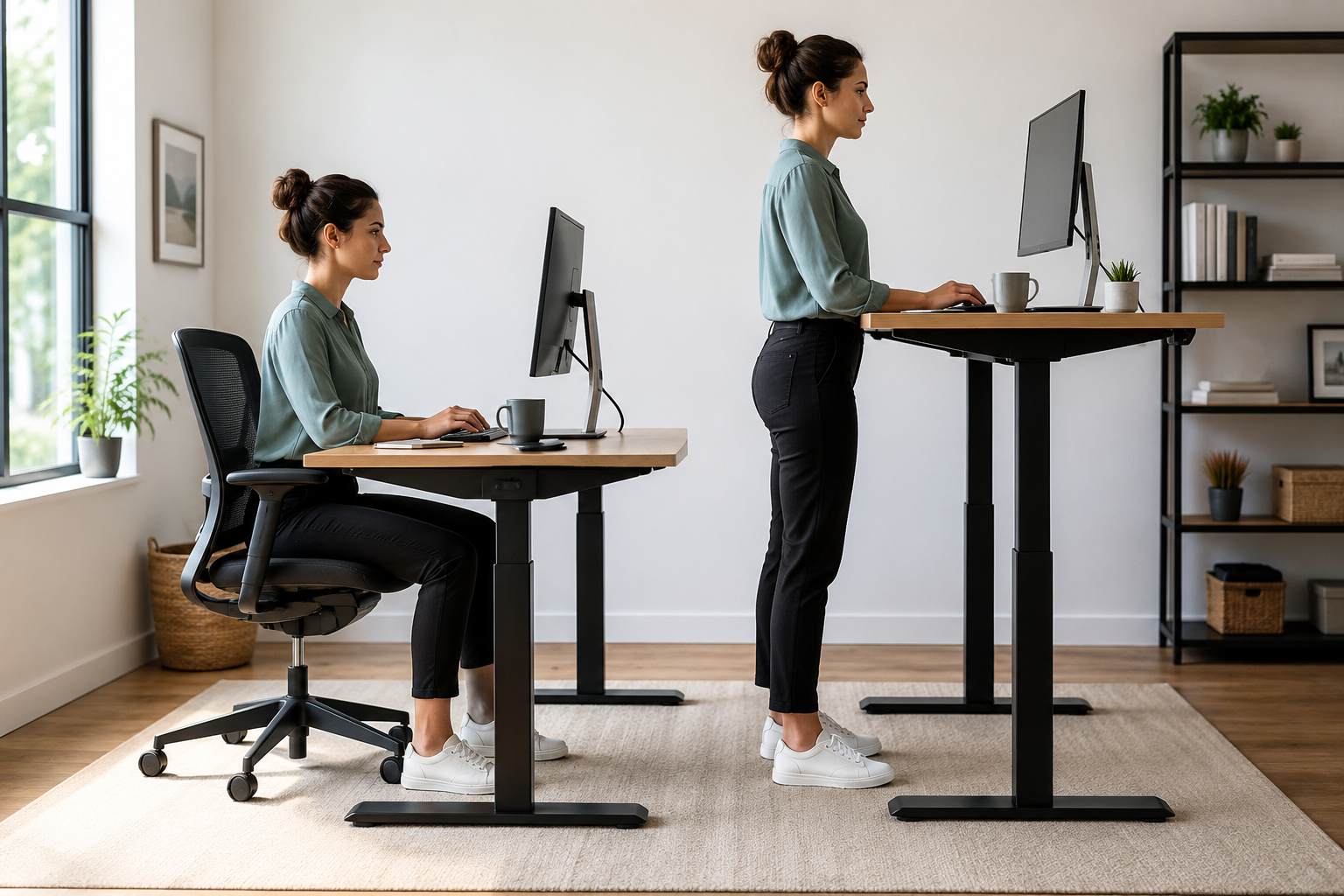
Your elbows should remain close to a 90-degree angle while typing, allowing your shoulders to stay relaxed. The monitor should sit at roughly eye level so your neck remains neutral instead of bending forward or backward.
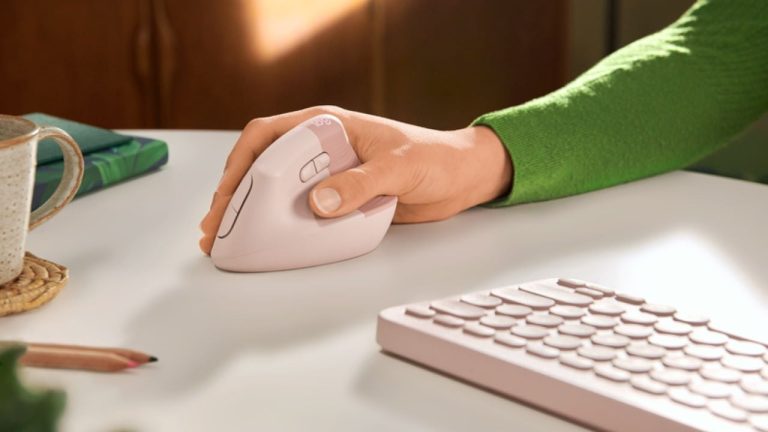
Wrists should stay straight while using your keyboard, and your screen should be positioned about an arm’s length away. Small adjustments to desk height often make a significant difference over the course of a workday.
Comfort comes from proper alignment as much as it does from changing positions.
The Role of Footwear and Floor Support
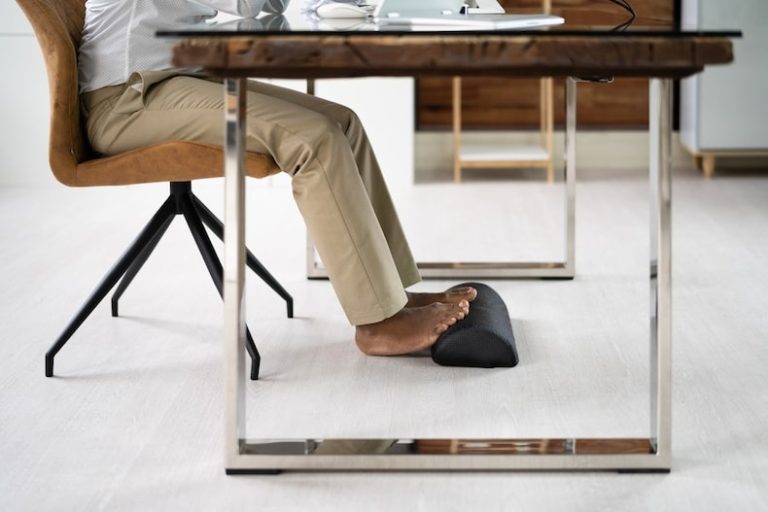
Your feet provide the foundation for your entire posture. Standing barefoot on hard flooring for extended periods can increase fatigue, while unsupportive shoes may contribute to discomfort in the knees, hips, and lower back.
Comfortable shoes with good arch support often make prolonged standing much easier. If you work from home, supportive indoor shoes or cushioned slippers can provide similar benefits.
Many standing desk users also benefit from an anti-fatigue mat. These mats provide slight cushioning that encourages subtle muscle activity and reduces pressure on the feet during longer standing sessions. Although an anti-fatigue mat won’t eliminate discomfort entirely, it can make standing noticeably more comfortable throughout the day.
Standing Desks Don’t Replace Exercise
One common misconception is that using a standing desk provides the same benefits as regular exercise.
Standing burns only slightly more calories than sitting. While that small increase can add up over time, it doesn’t replace strength training, walking, running, cycling, or other forms of physical activity.
Think of a standing desk as one part of a healthier work routine rather than a complete fitness solution. Daily walks, stretching, and regular exercise remain essential for cardiovascular health, muscle strength, flexibility, and overall well-being.
Building a Sustainable Standing Desk Routine
The most successful standing desk users rarely follow rigid schedules forever. Instead, they develop habits that naturally encourage movement throughout the day.
You might begin each morning standing while checking emails, sit during focused project work, stand again for meetings, and alternate positions throughout the afternoon depending on your workload. Over time, changing positions becomes automatic rather than something you constantly monitor.
If you’re paying attention to your body’s signals, moving regularly, and maintaining an ergonomic workstation, you’ll likely find a routine that feels both comfortable and productive.
The best answer to how long you should stand at a desk isn’t a fixed number of hours. It’s finding a balance between sitting, standing, and moving that keeps your body comfortable, supports good posture, and helps you stay productive throughout the entire workday.